
BrightPay Desktop Video Tutorials
We’ve put together a series of how-to videos that are designed to help you learn, use and get the most out of BrightPay.
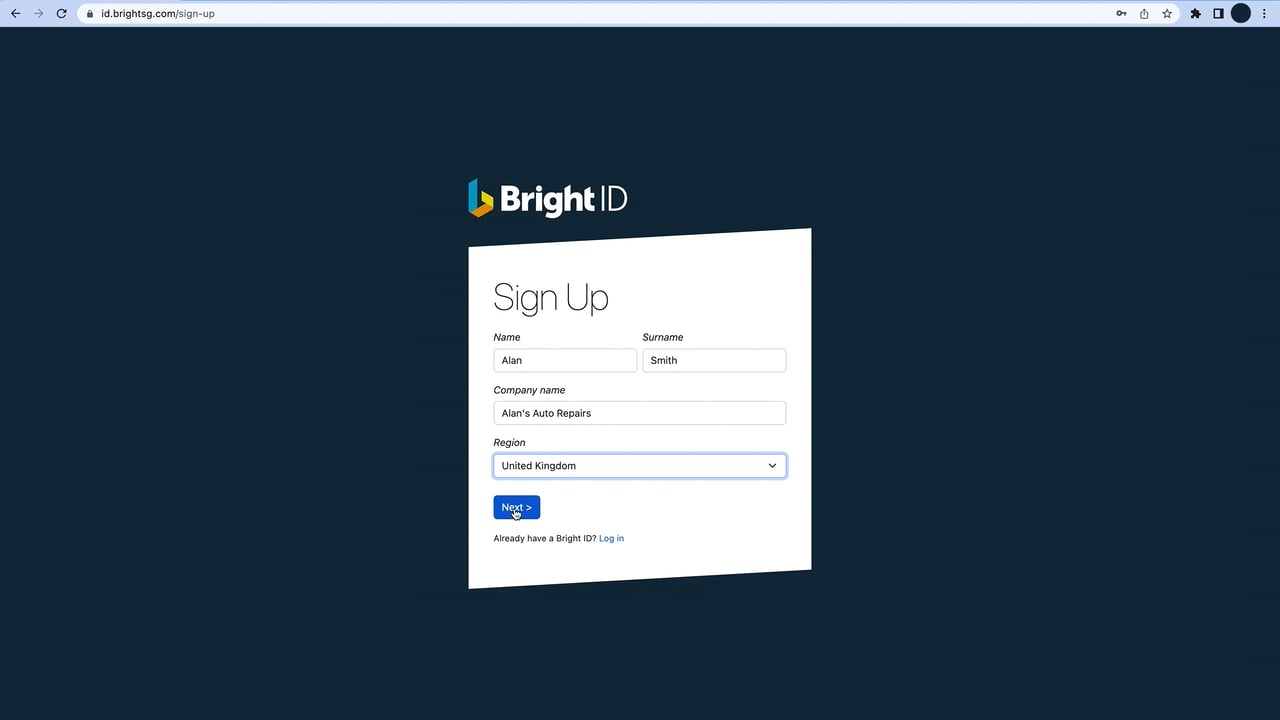
Order using your BrightID
Using an existing BrightID
Demos
Getting Started with BrightPay
BrightPay Payroll Demo
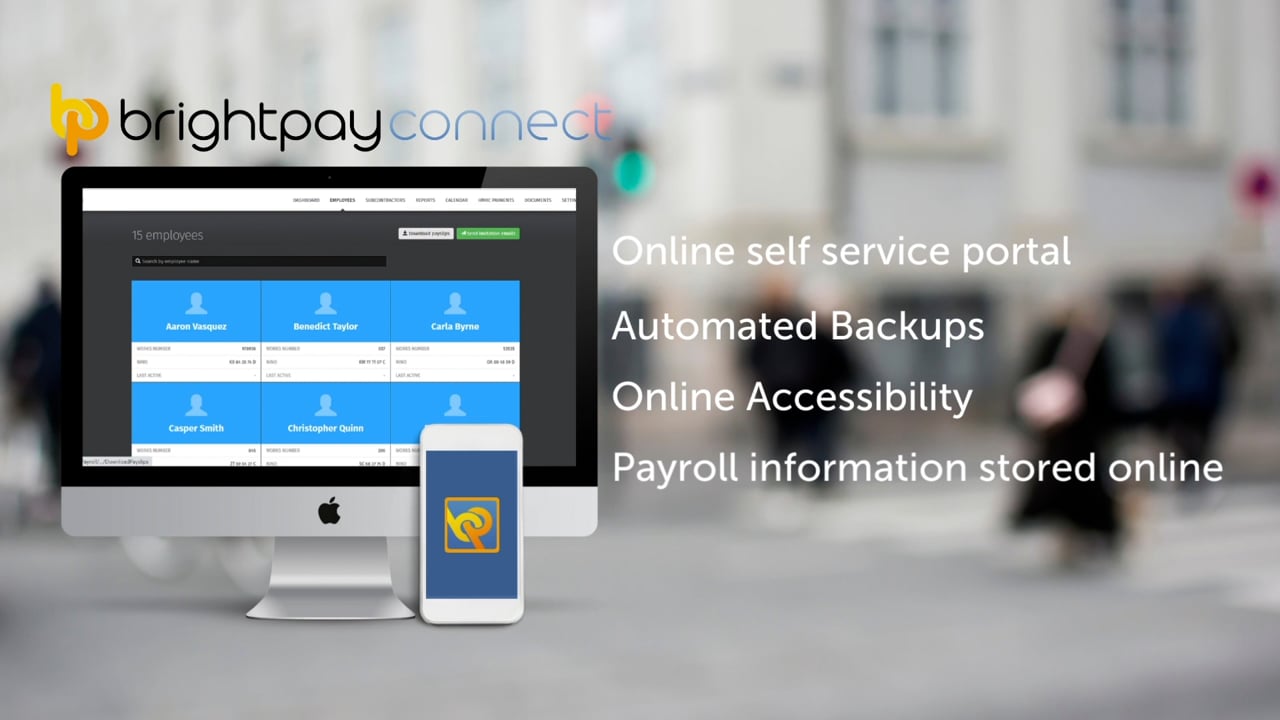
BrightPay Connect
Employee Smartphone App Demo
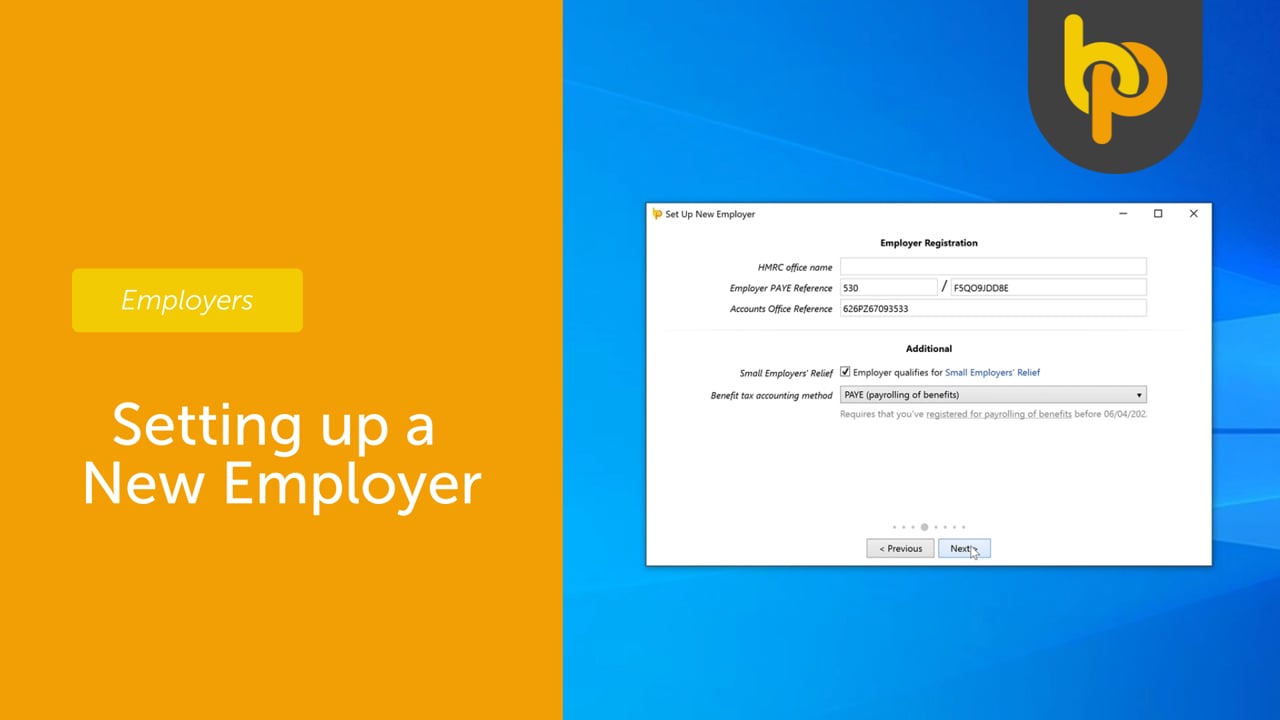
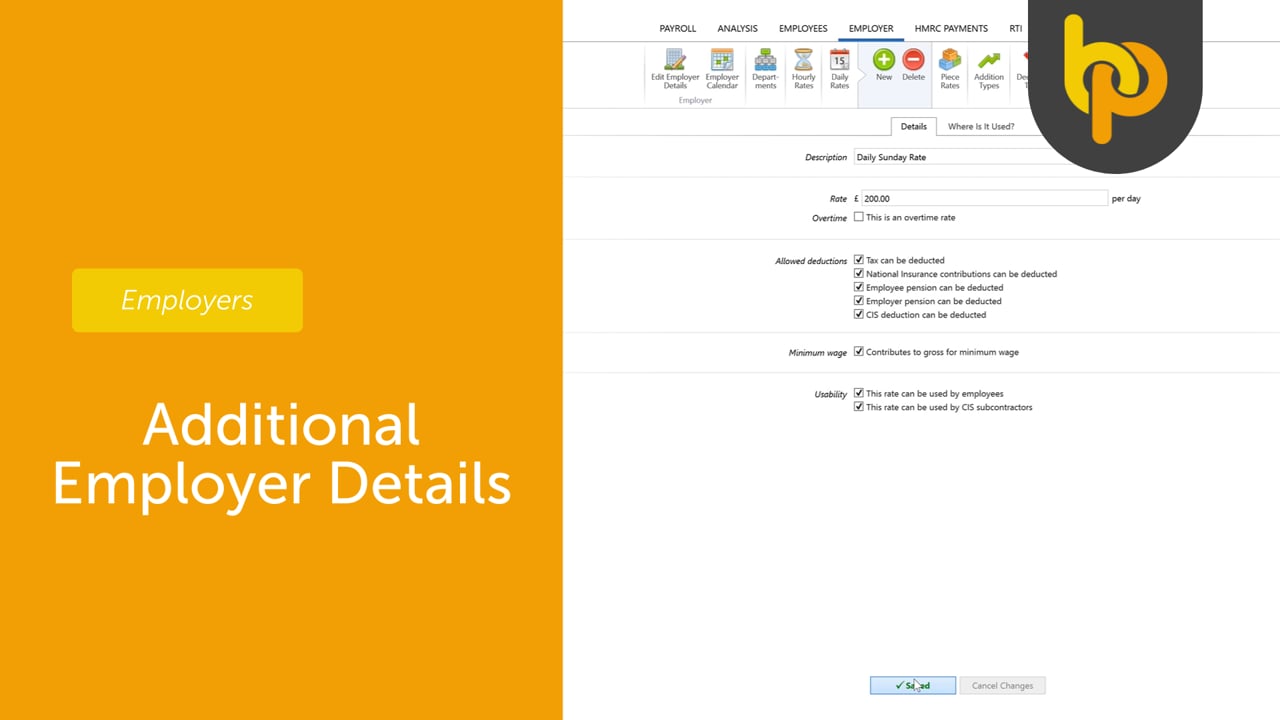
Employer
Employees
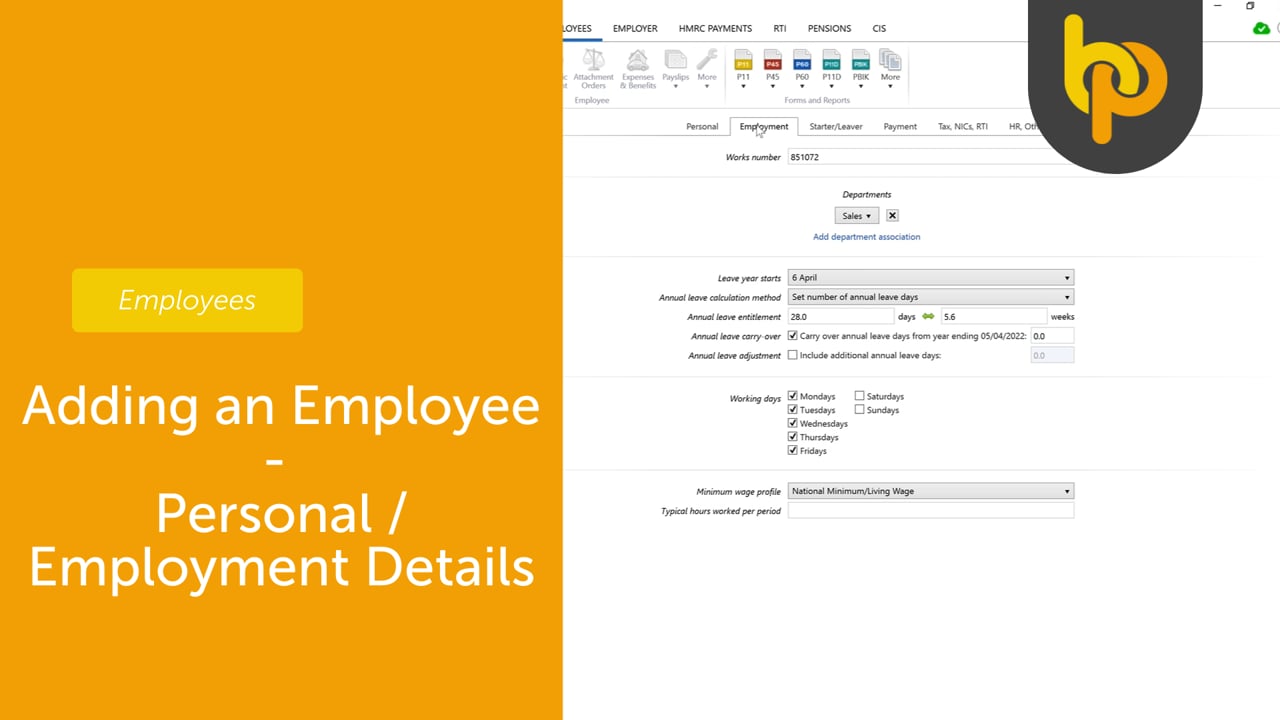
Adding an Employee – Personal / Employment Details
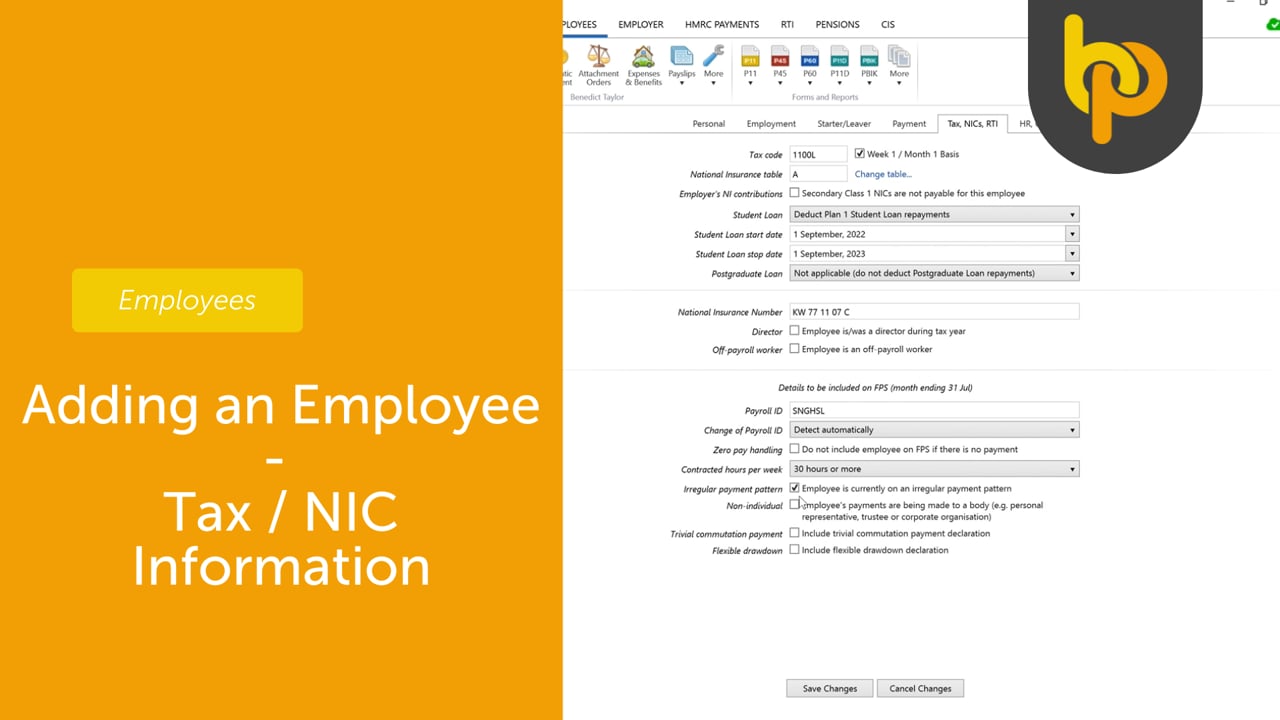
Adding an Employee – Tax / NIC
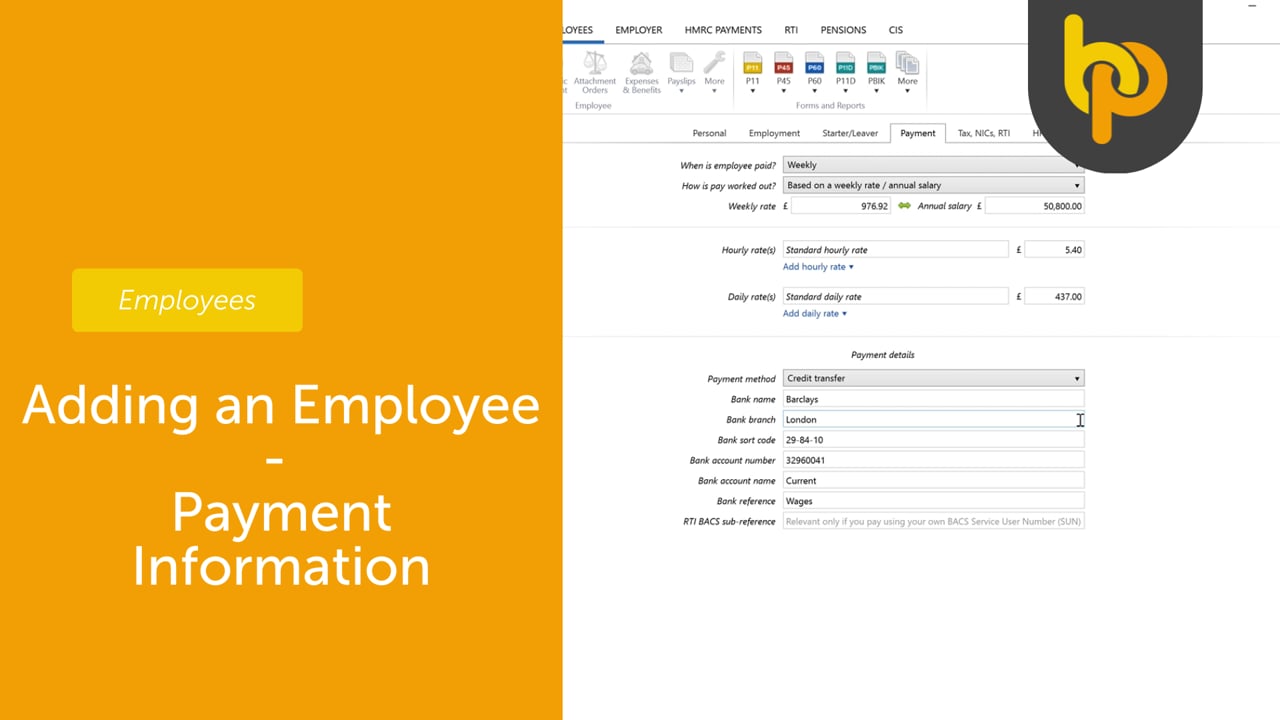
Adding an Employee – Payment Information
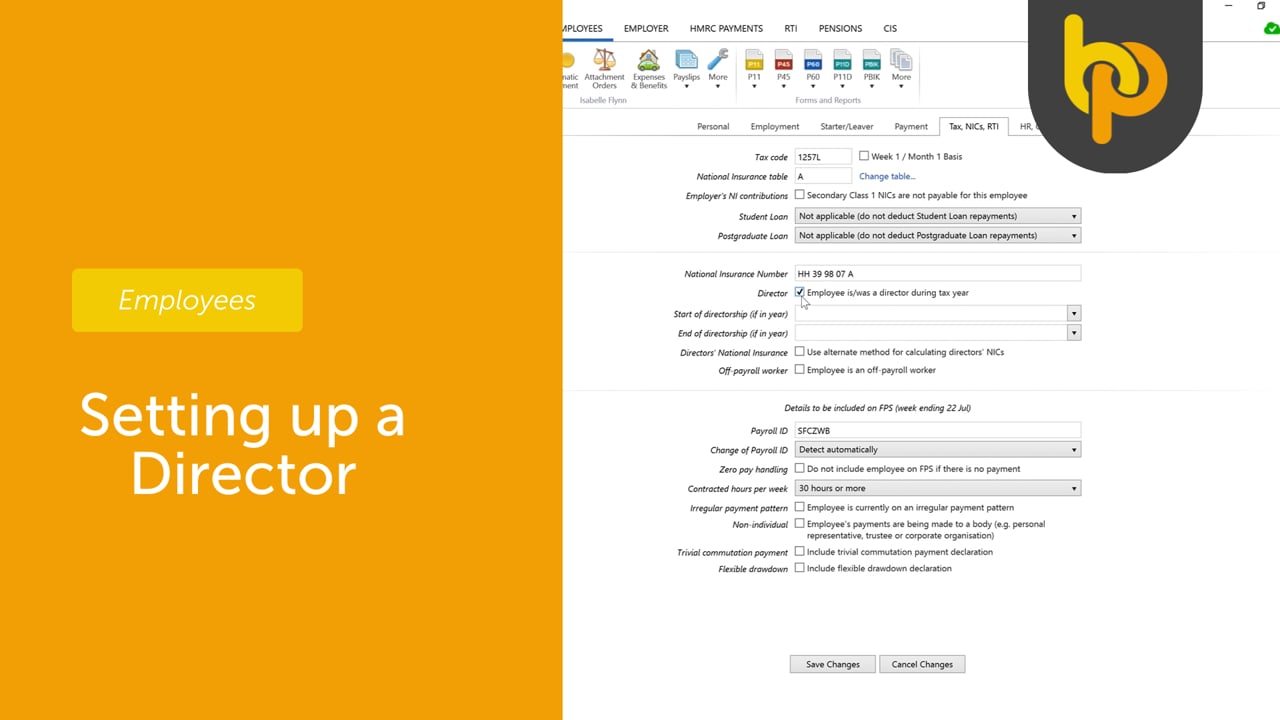
Setting up a Director
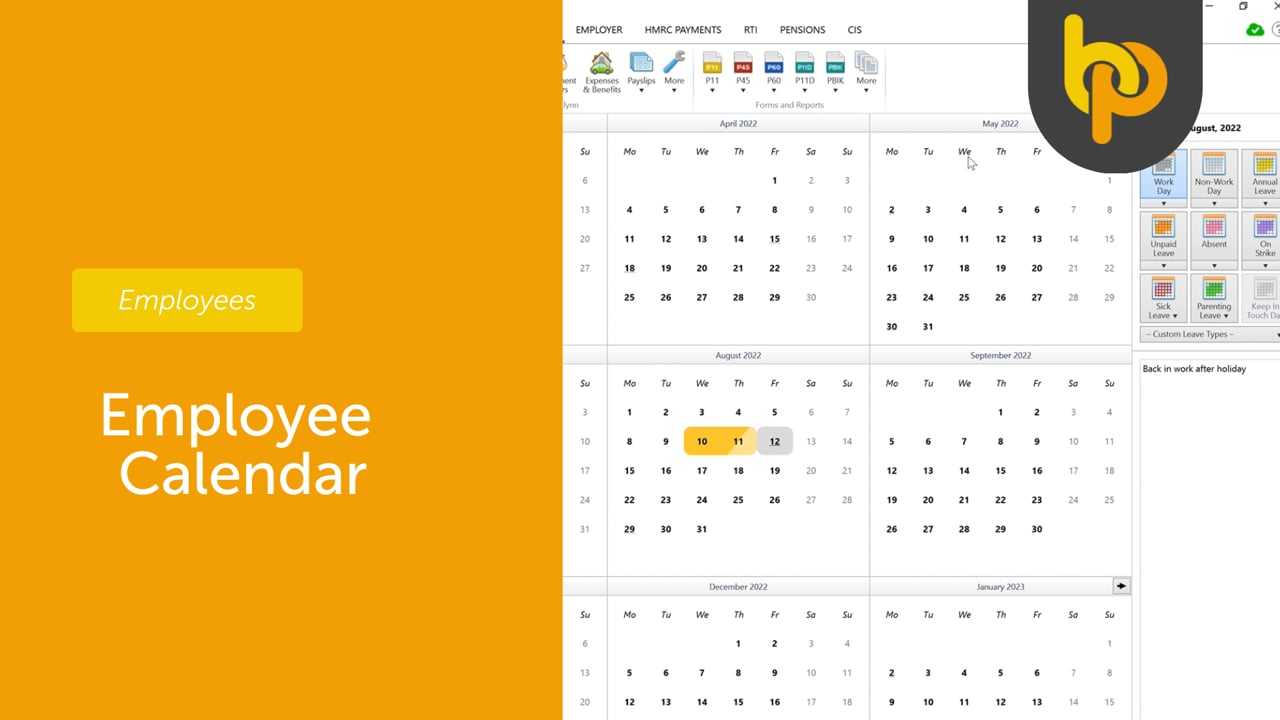
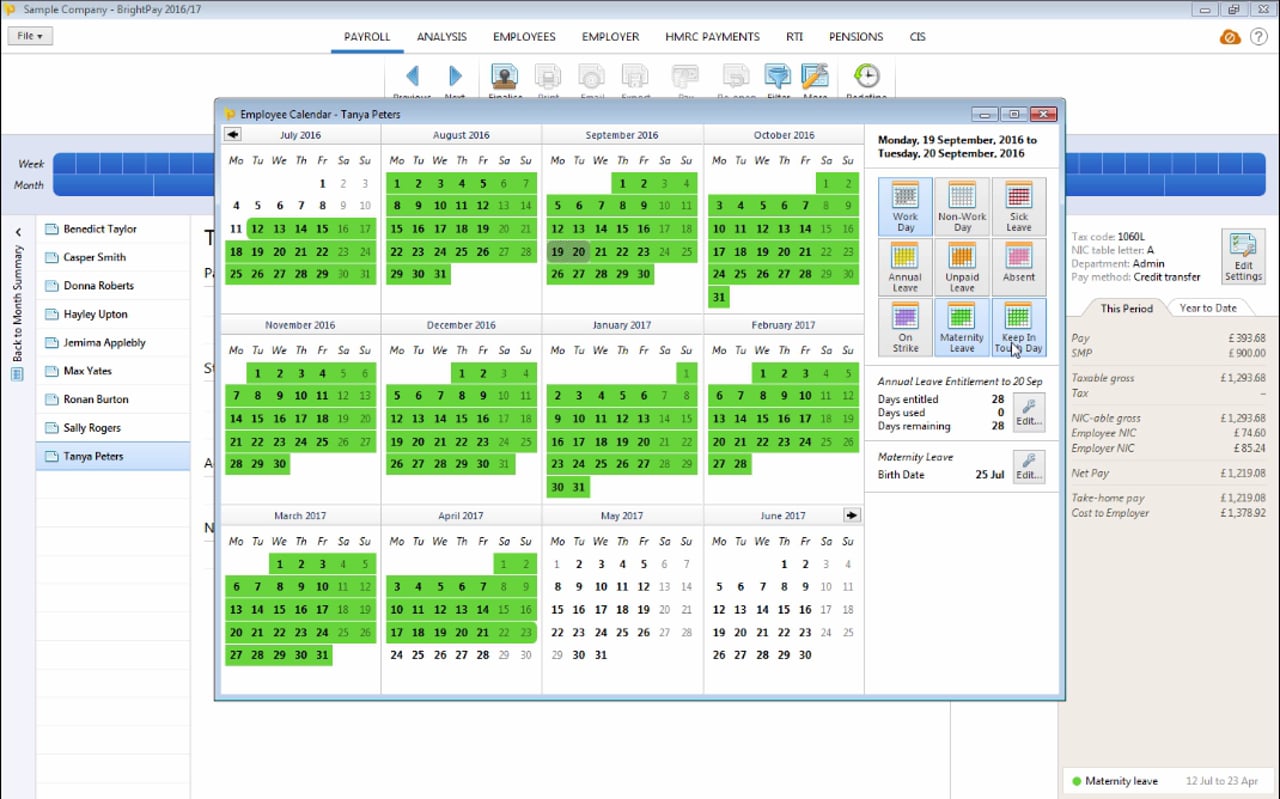
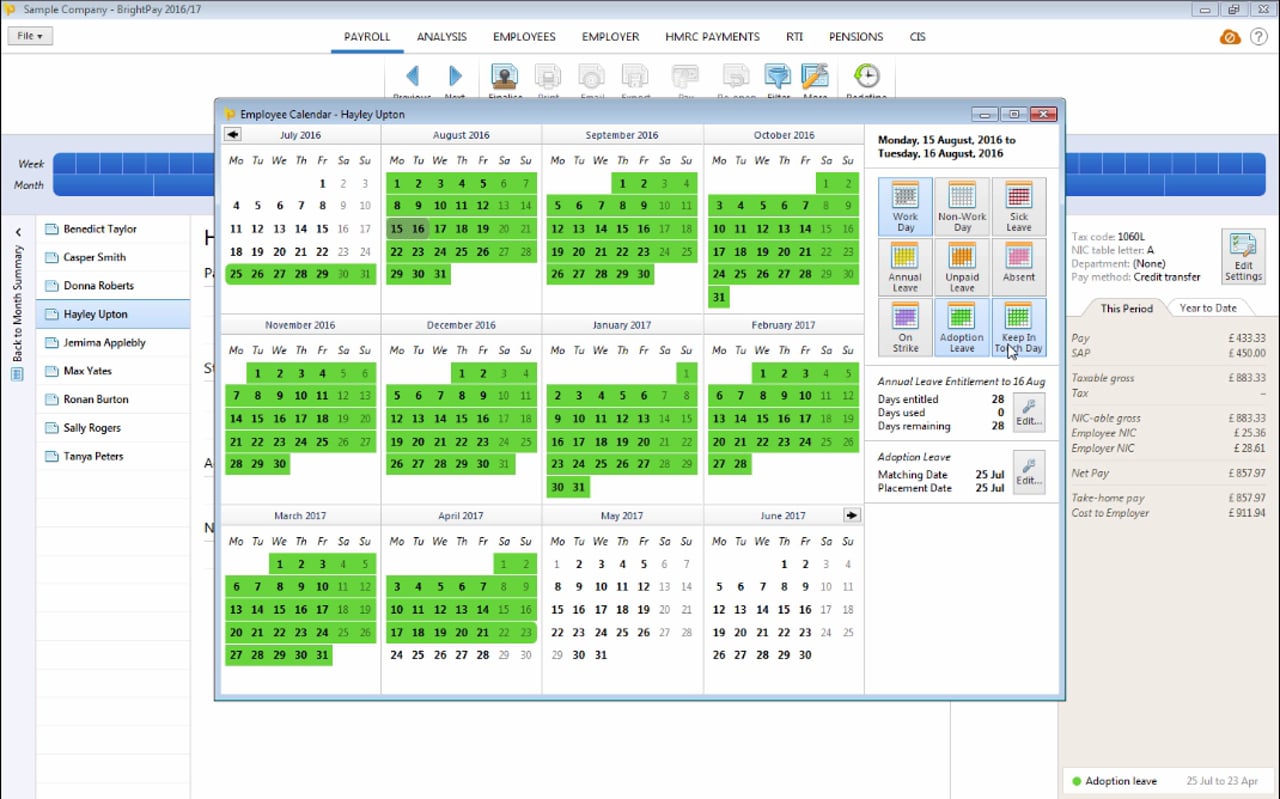
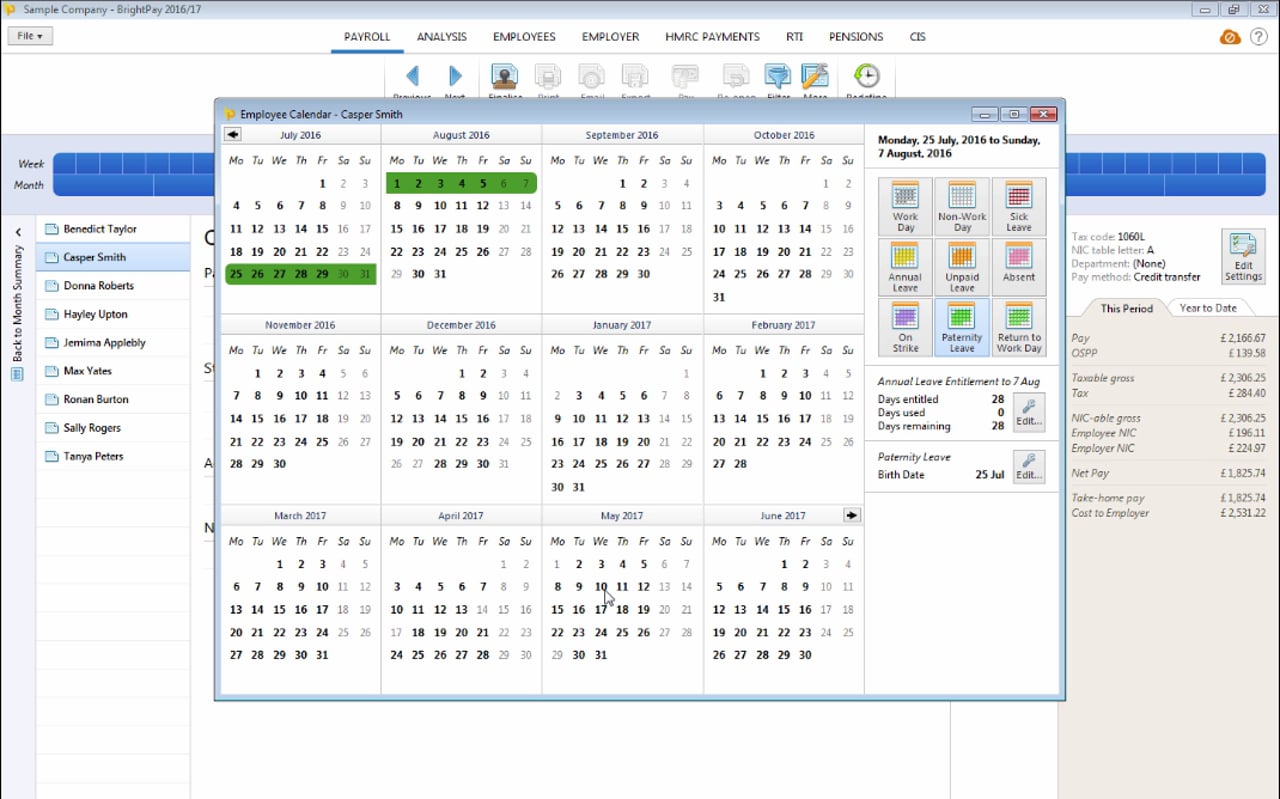
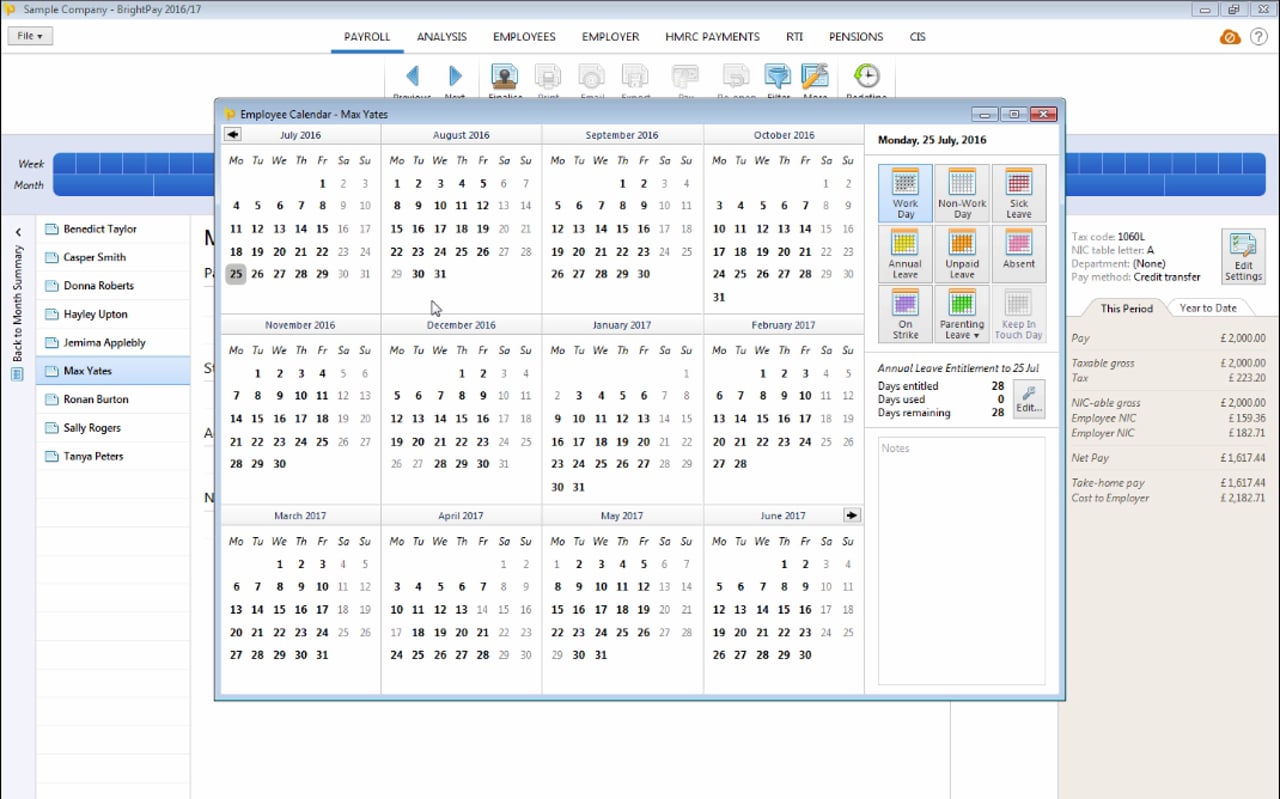
Employee Calendar
Importing into BrightPay
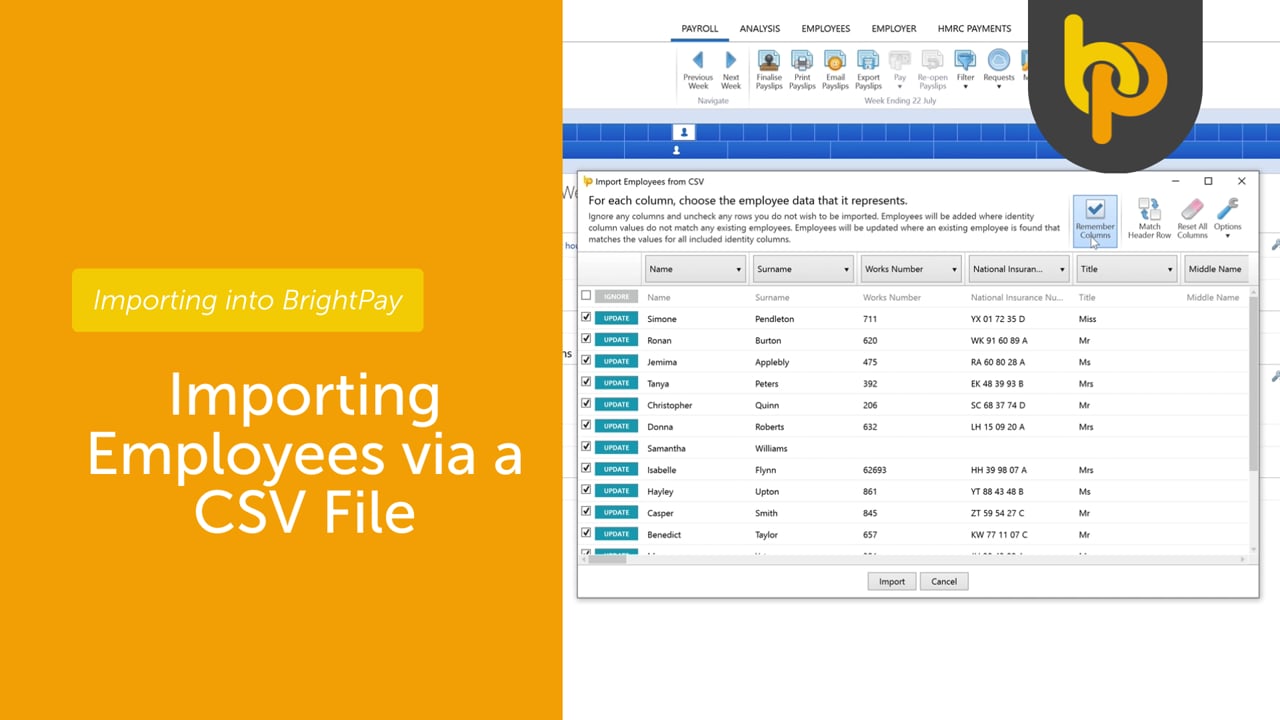
Importing Employees via CSV file
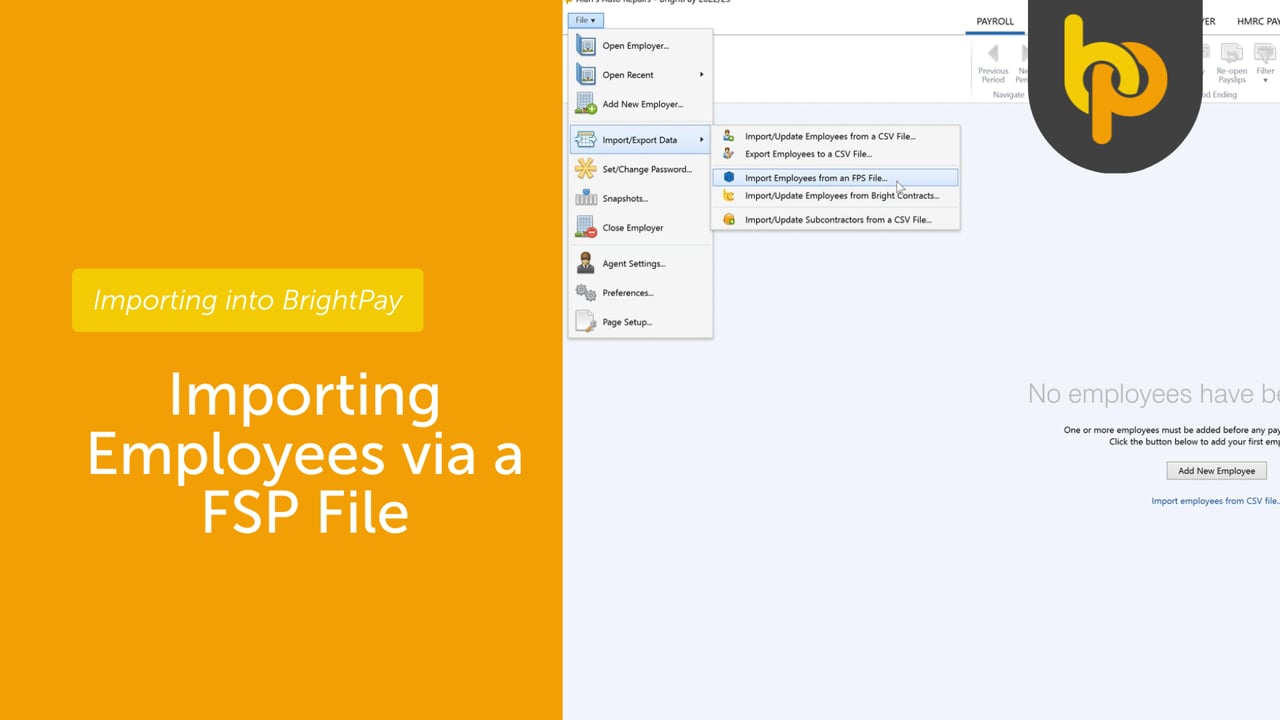
Importing Employees via FPS file
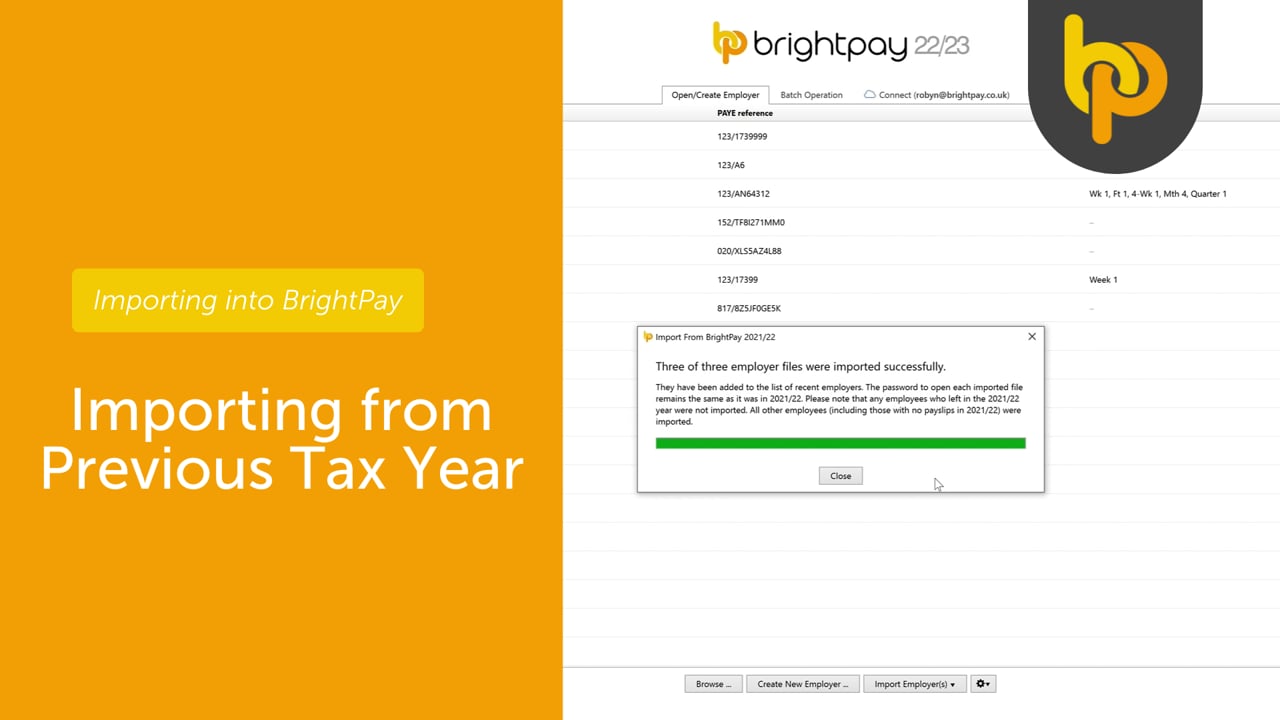
Importing from Previous Tax Year
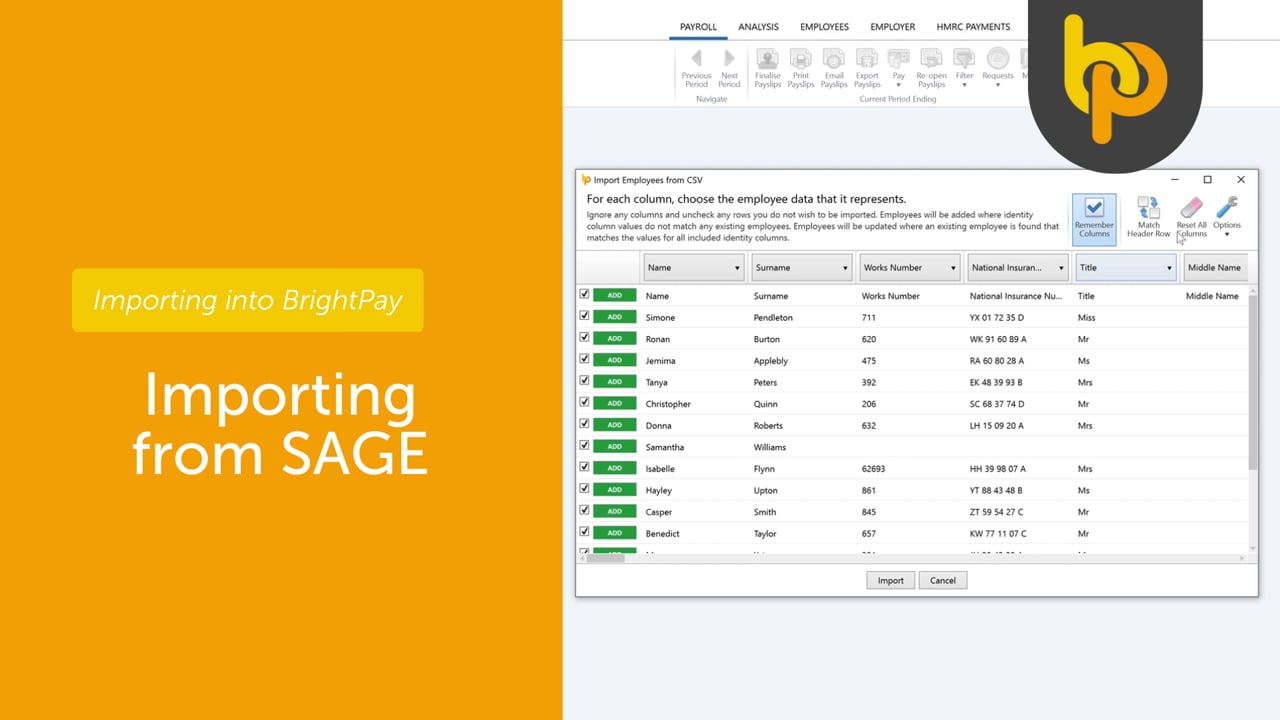
Importing from Sage
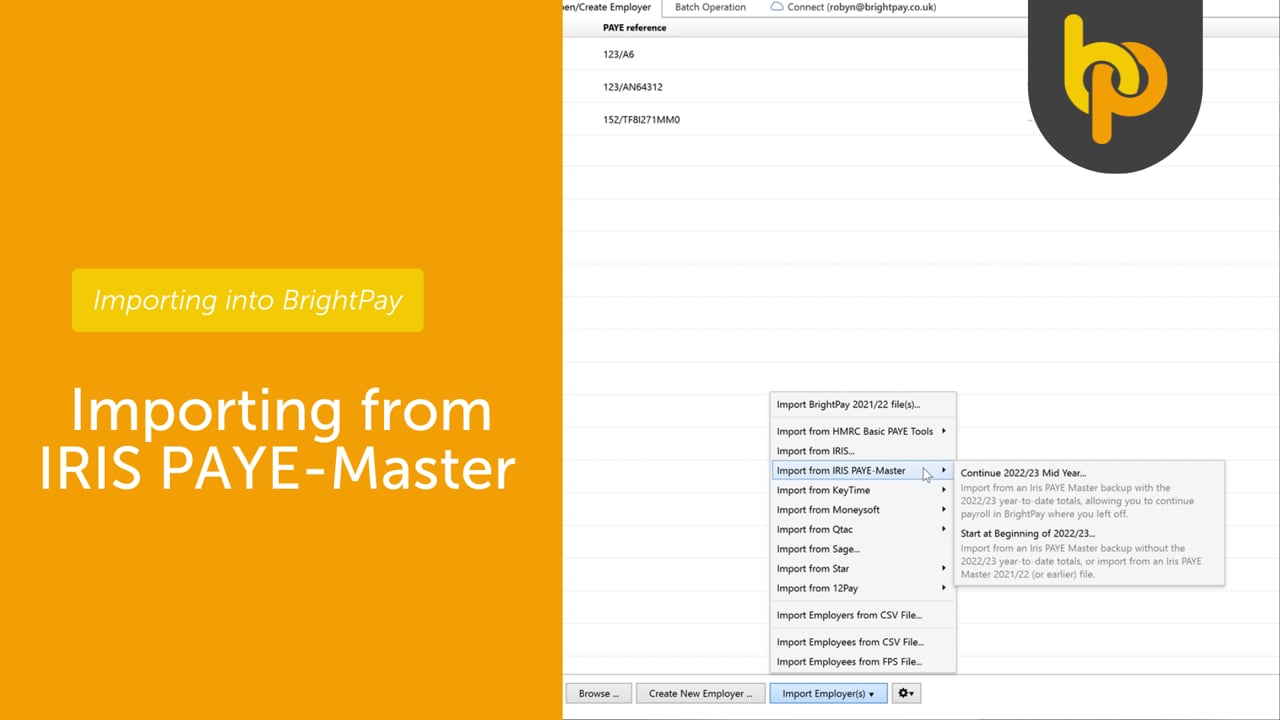
Importing from IRIS
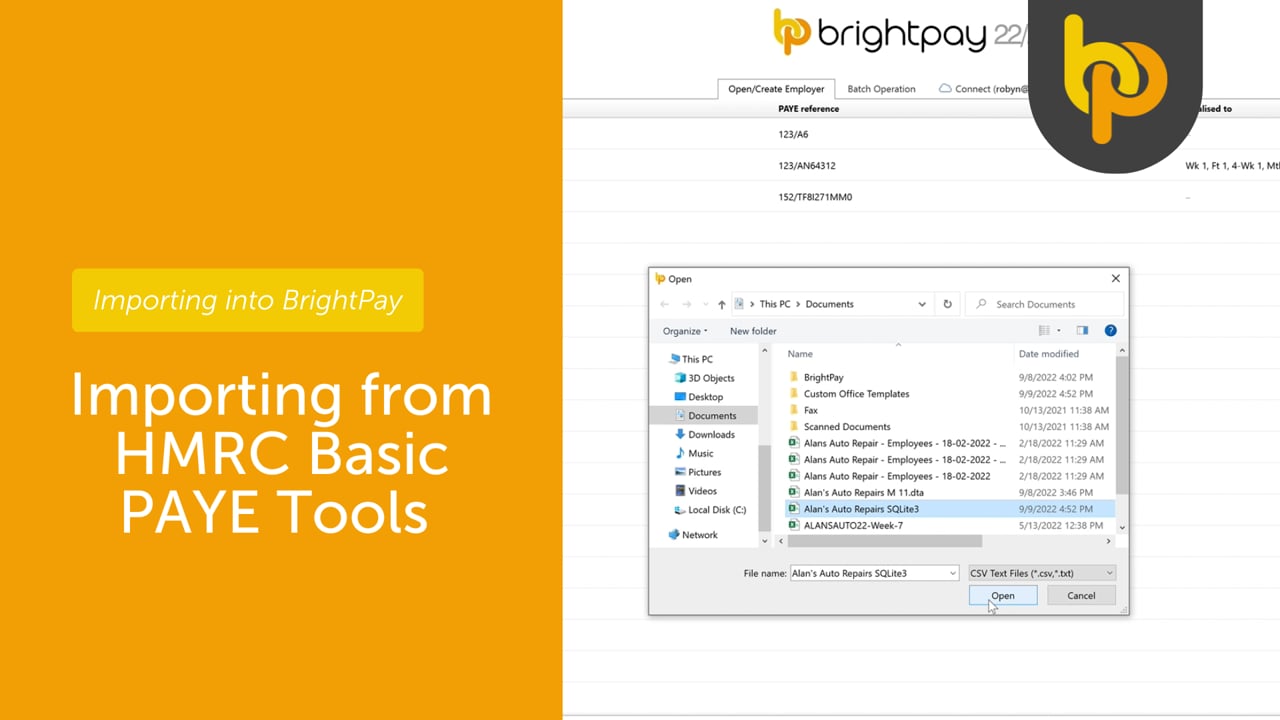
Importing from HMRC Basic PAYE Tools
Processing Payroll
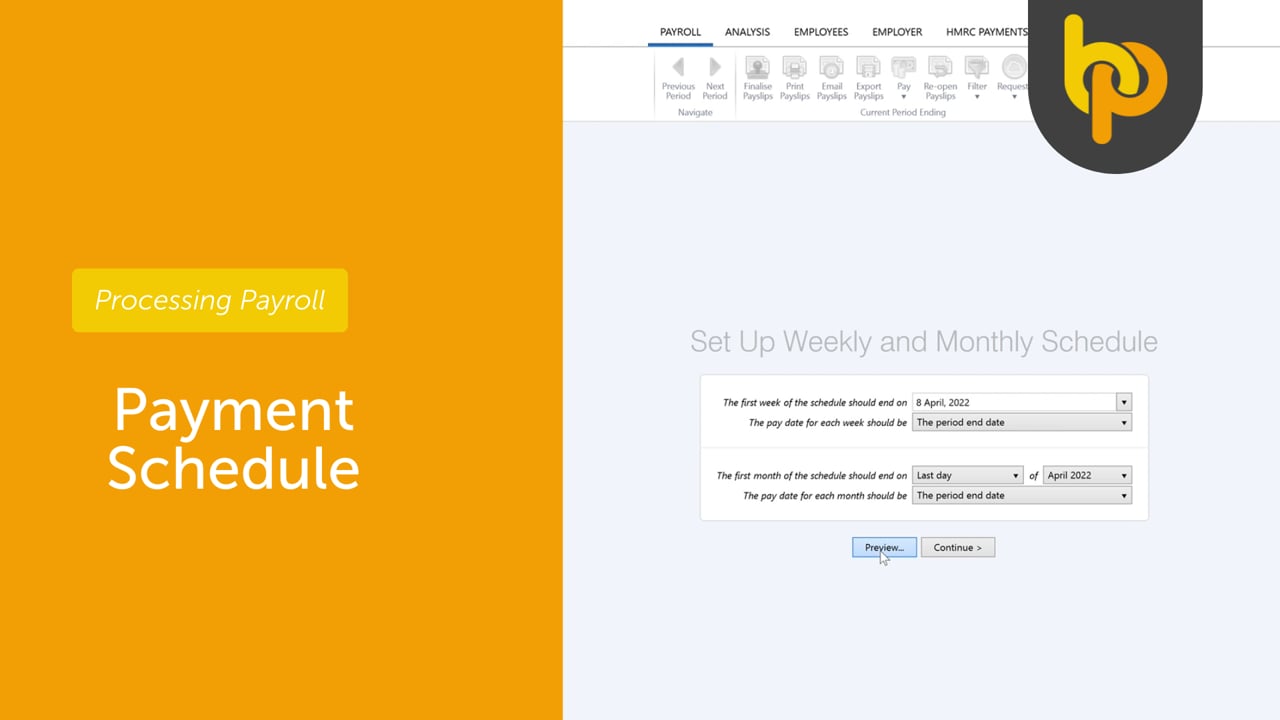
Payment Schedule
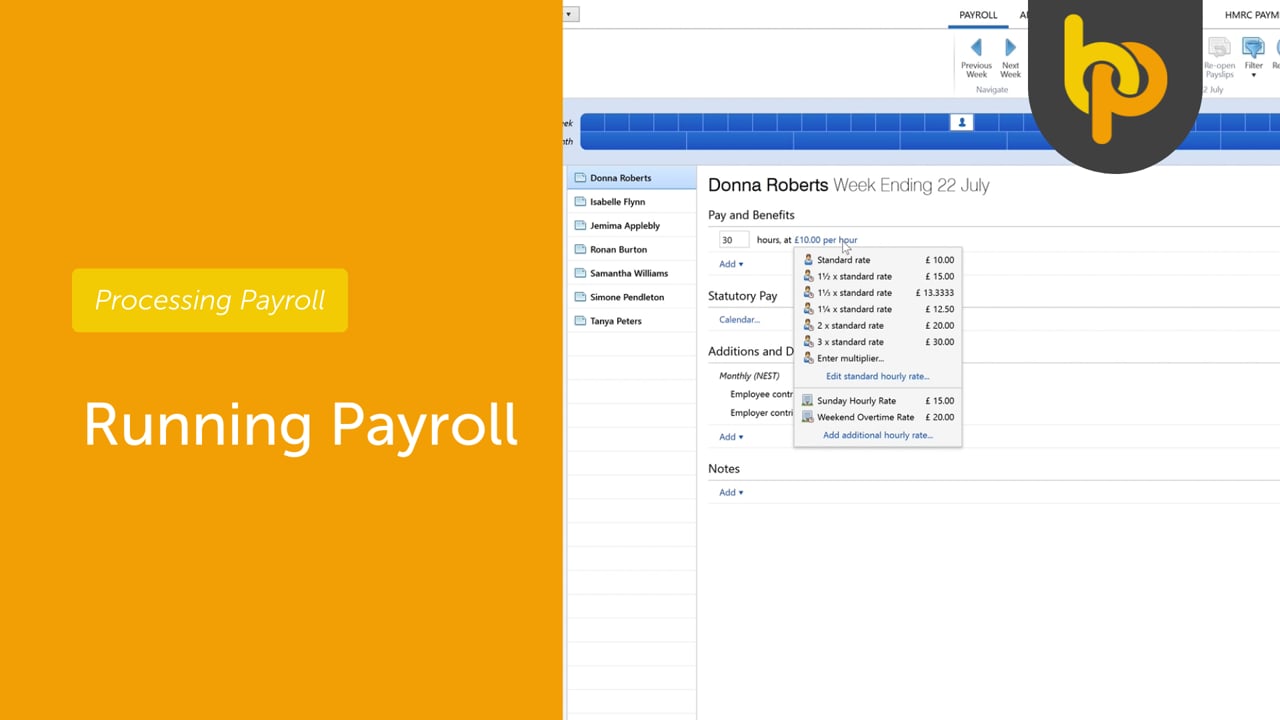
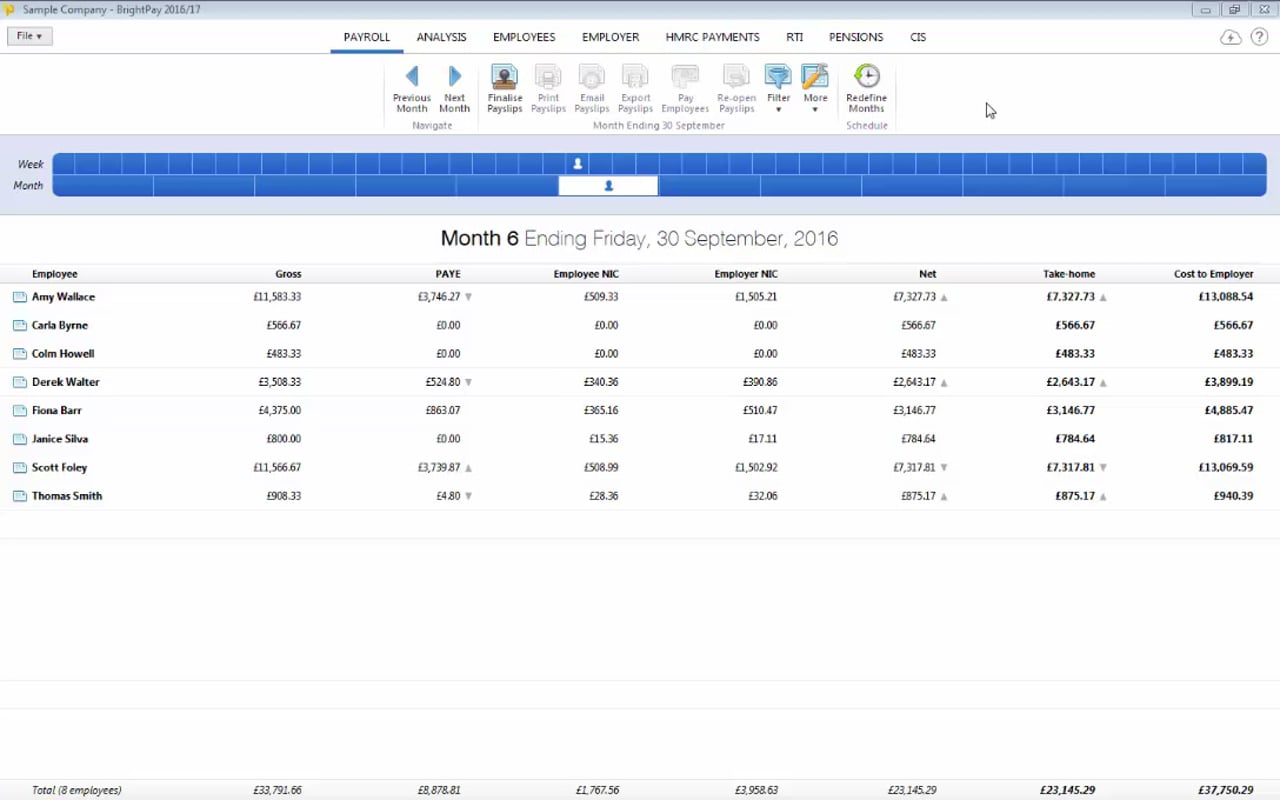
Running Payroll
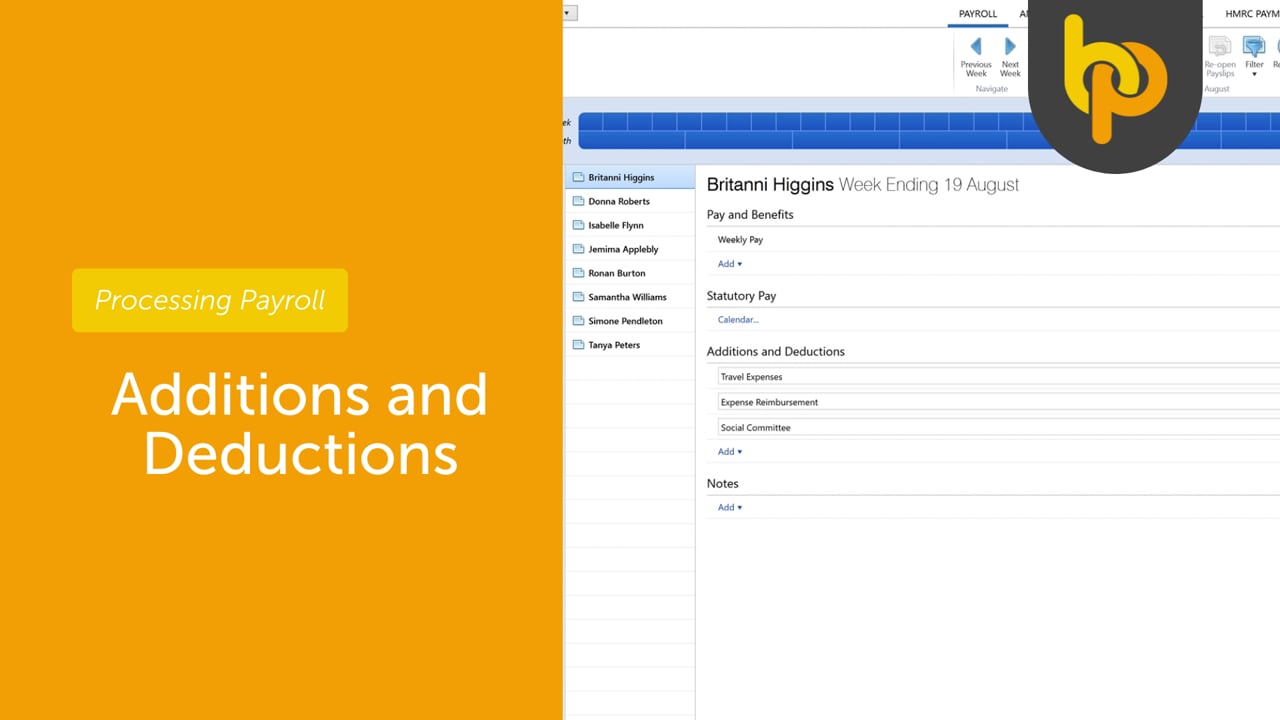
Additions and Deductions
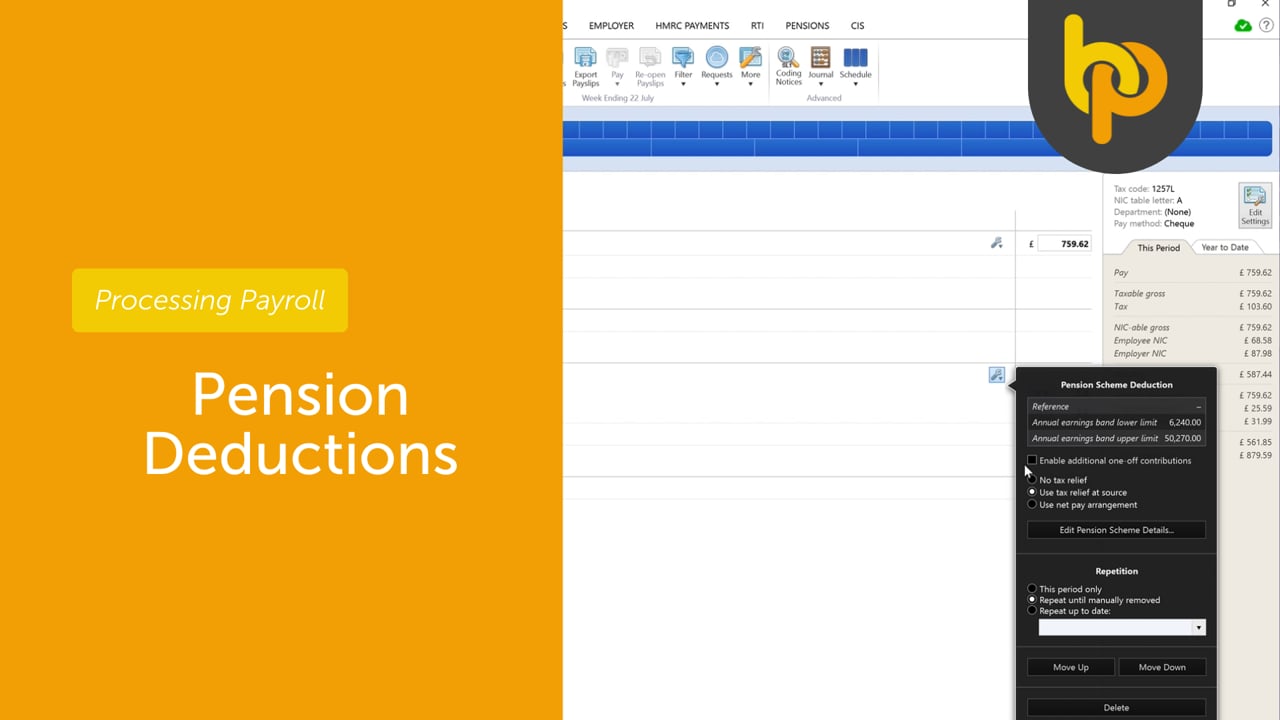
Pension Deductions
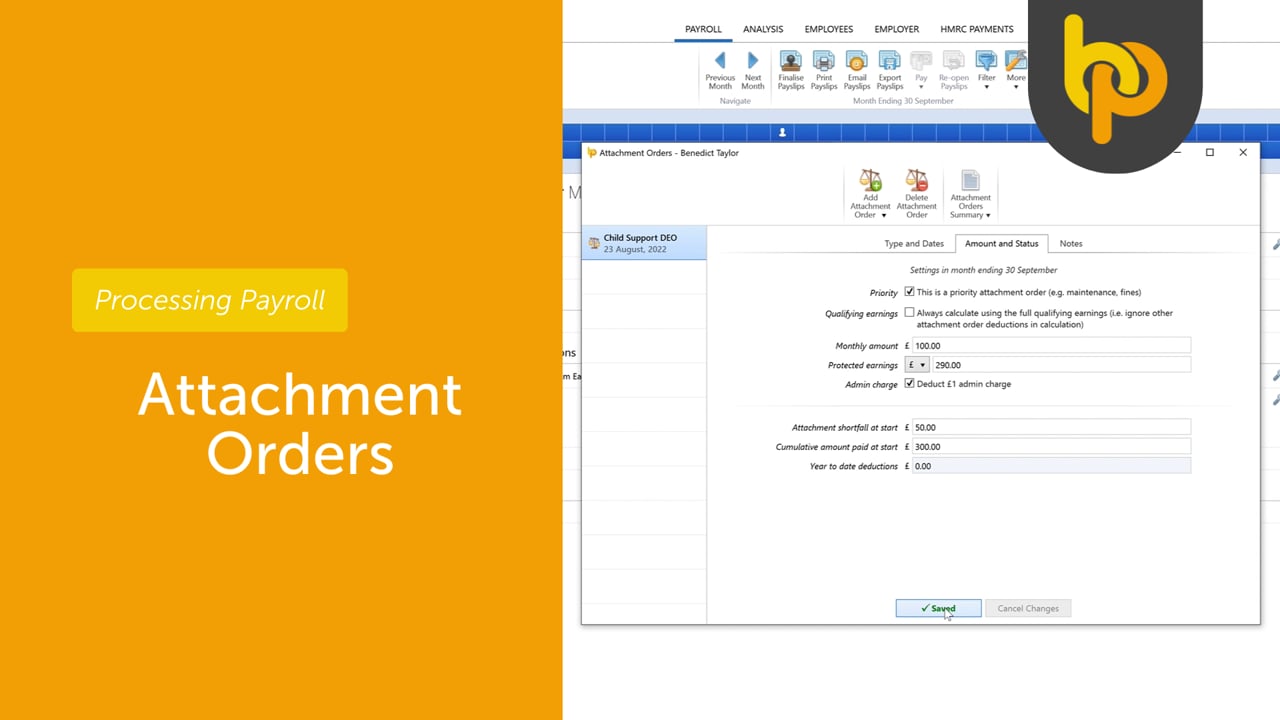
Attachment Orders
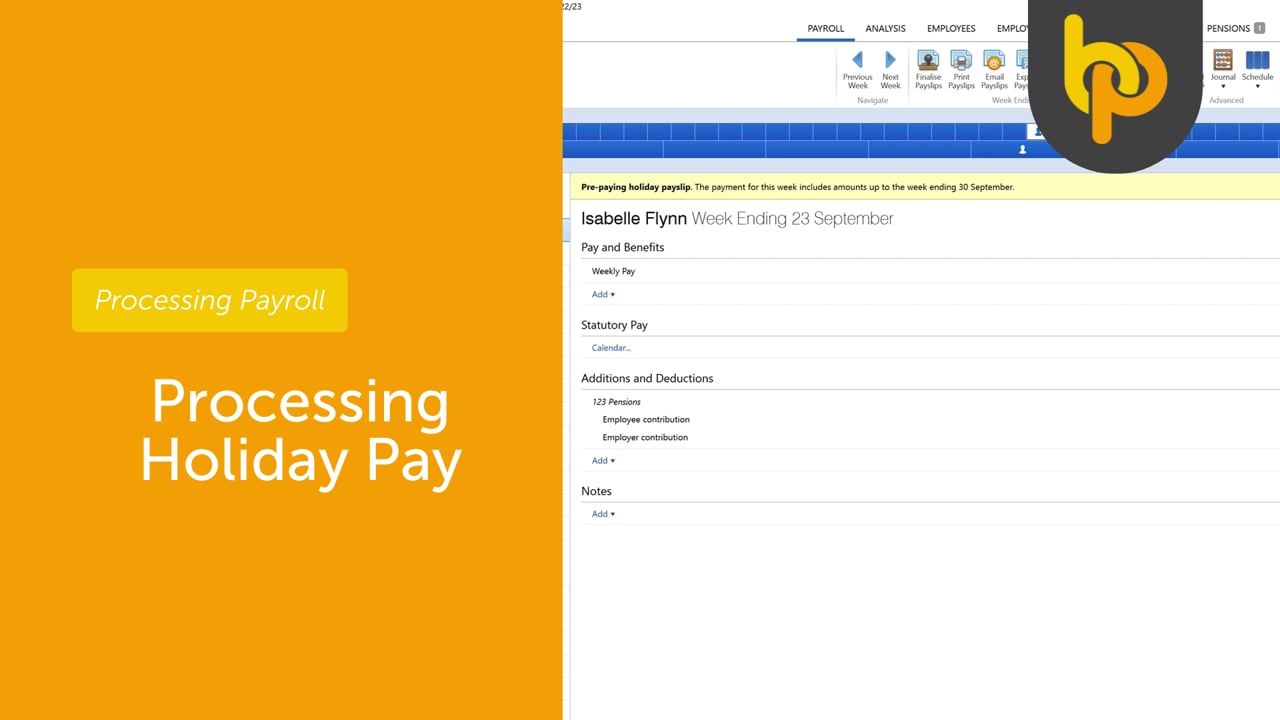
Processing Holiday Pay
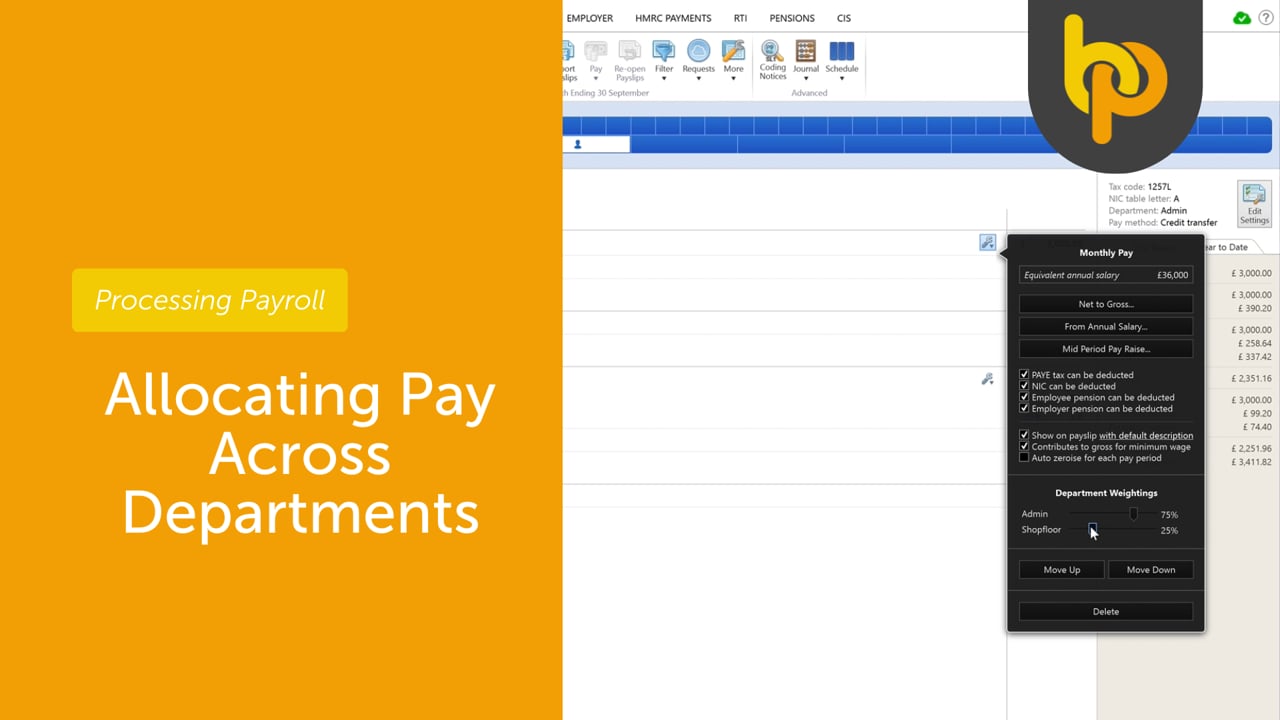
Allocating Pay Across Departments
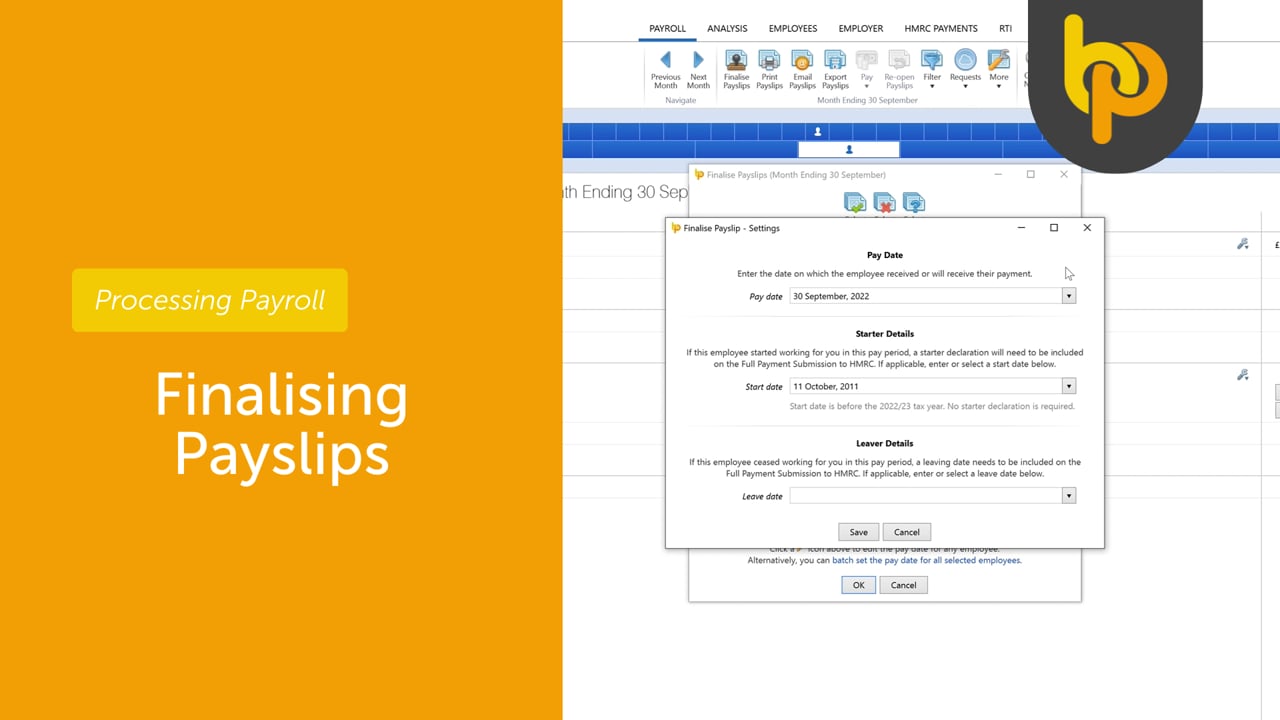
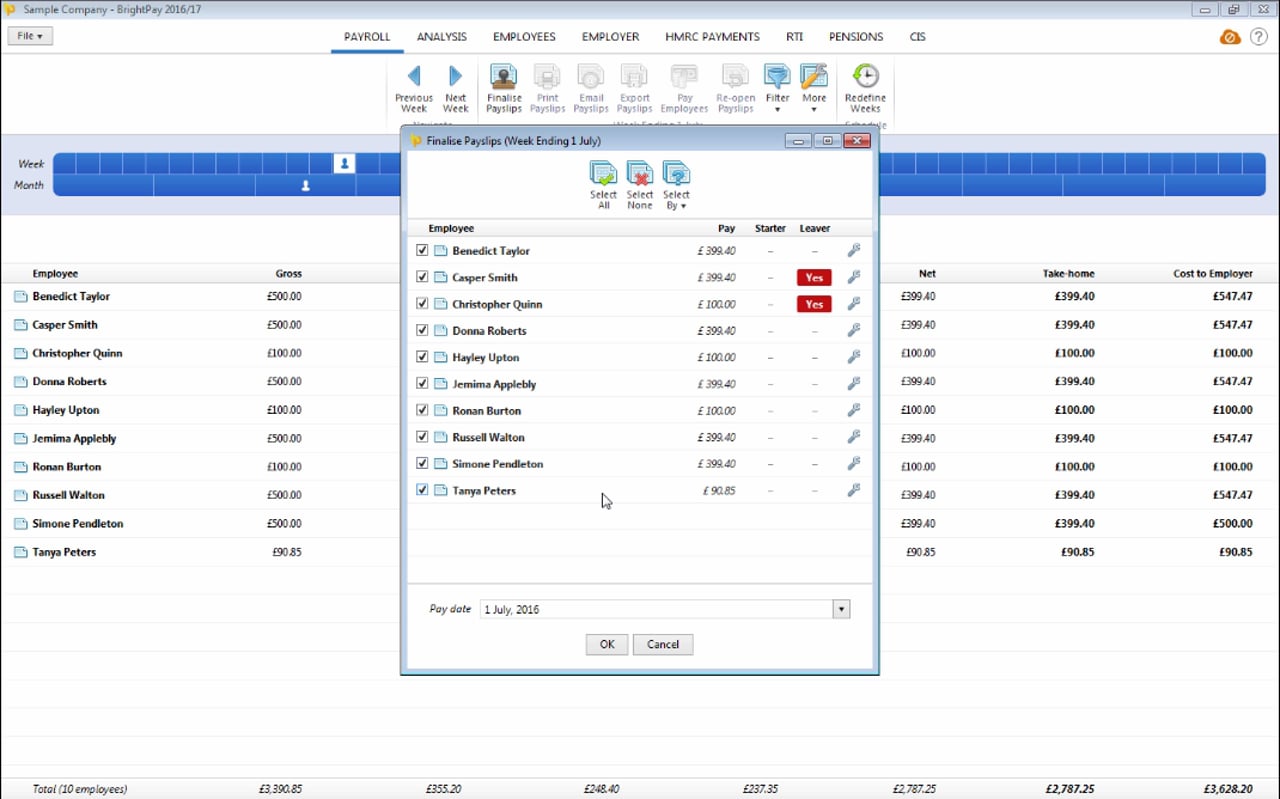
Finalising Payslips
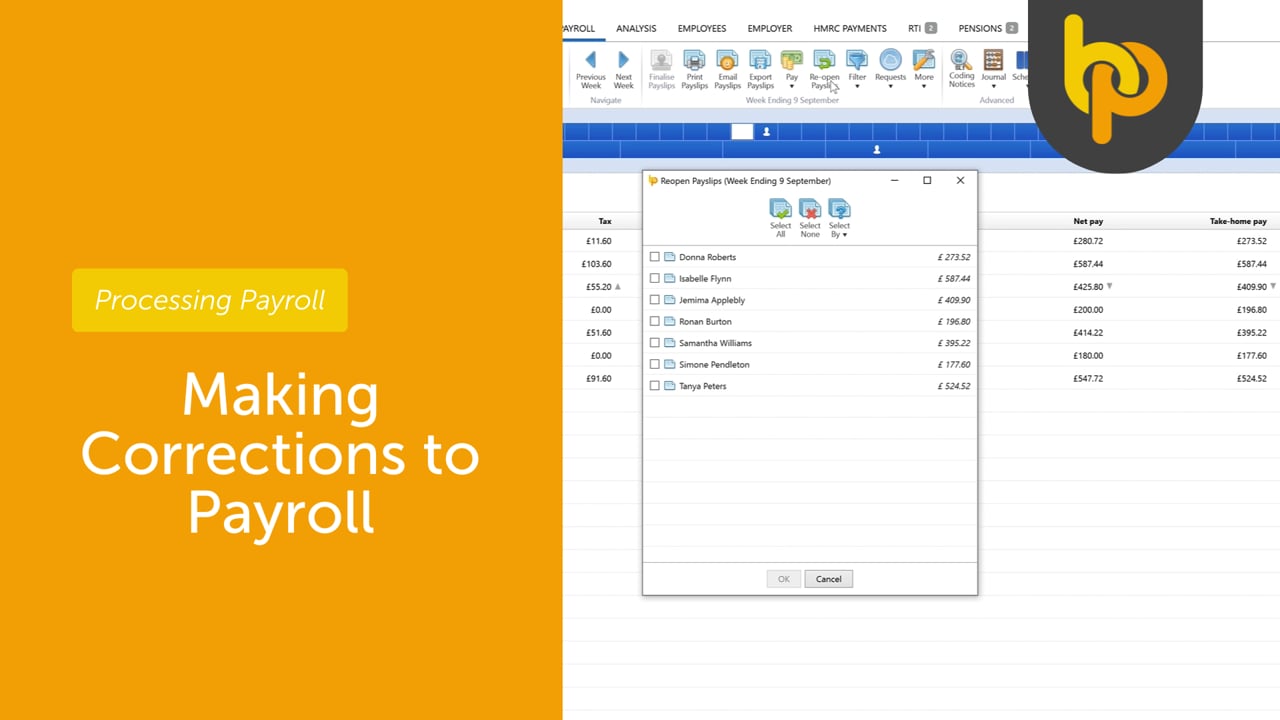
Making Corrections to Payroll
Paying employees with Modulr
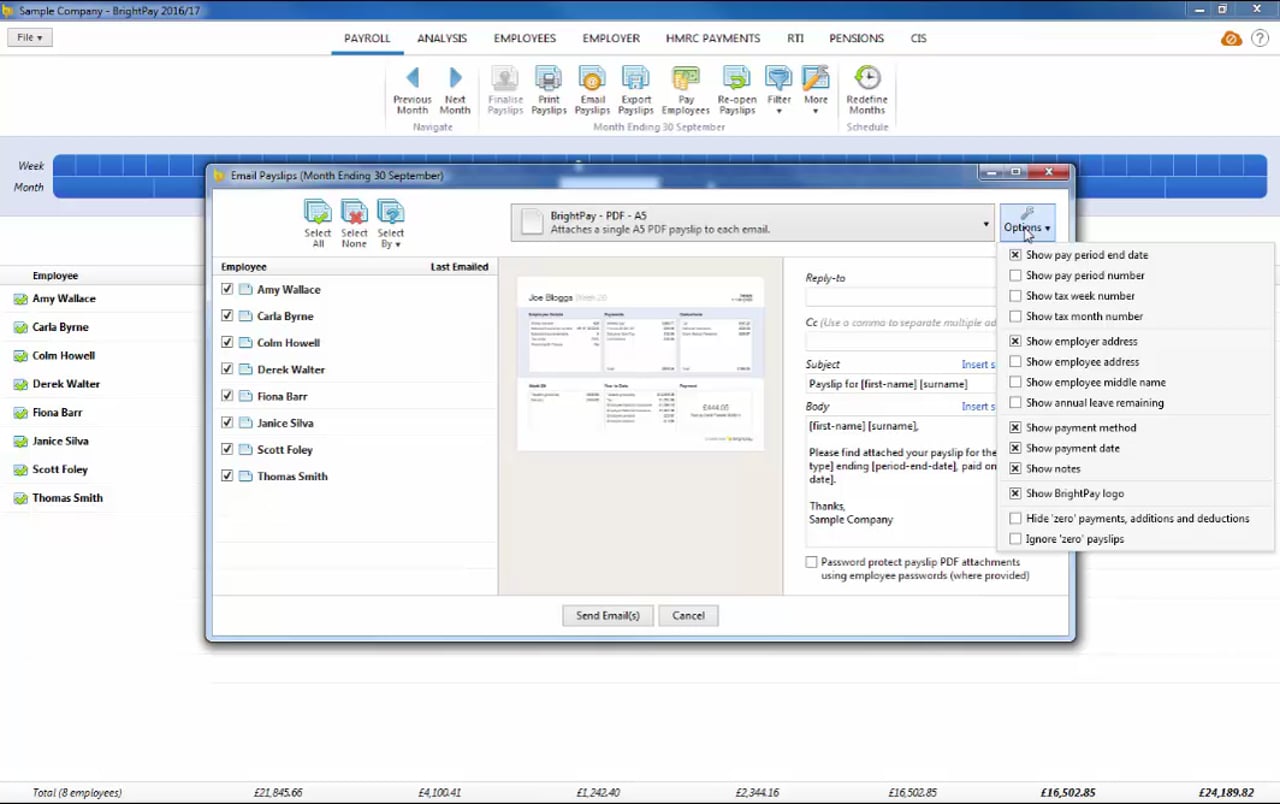
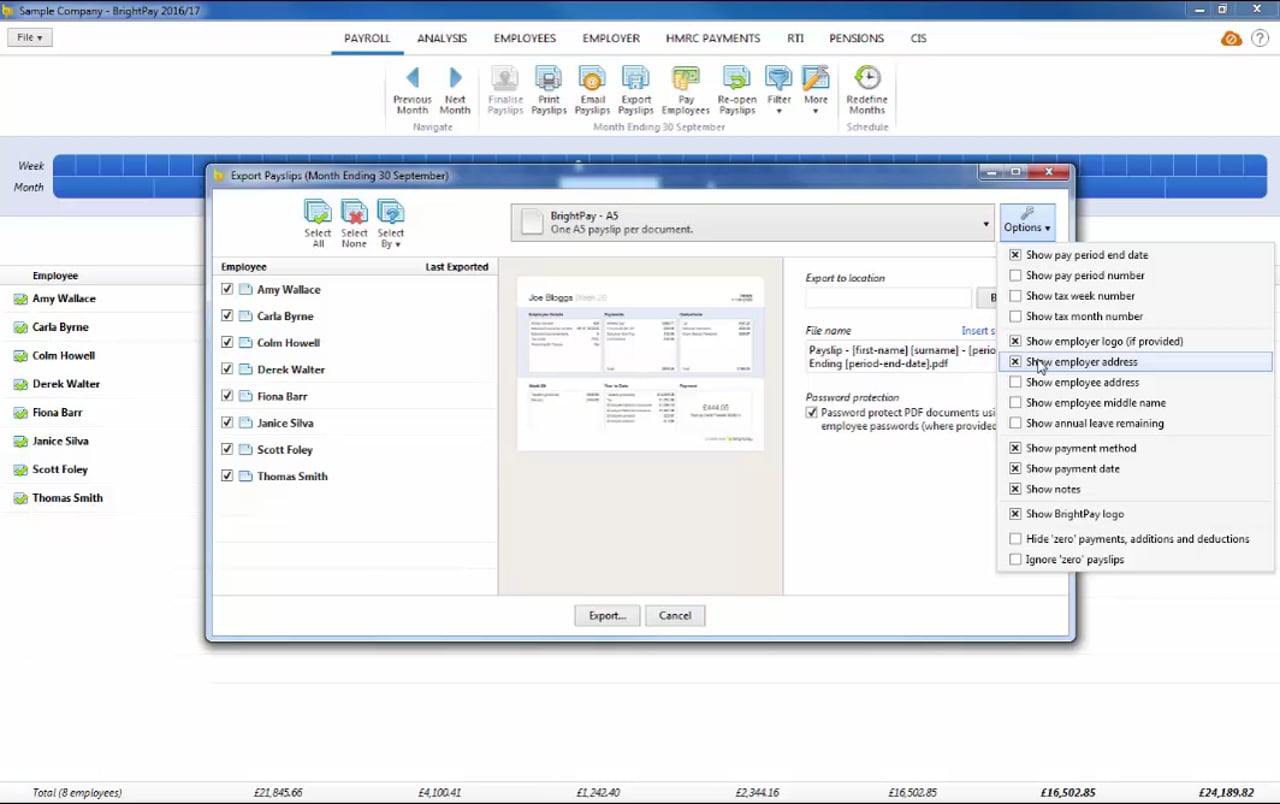
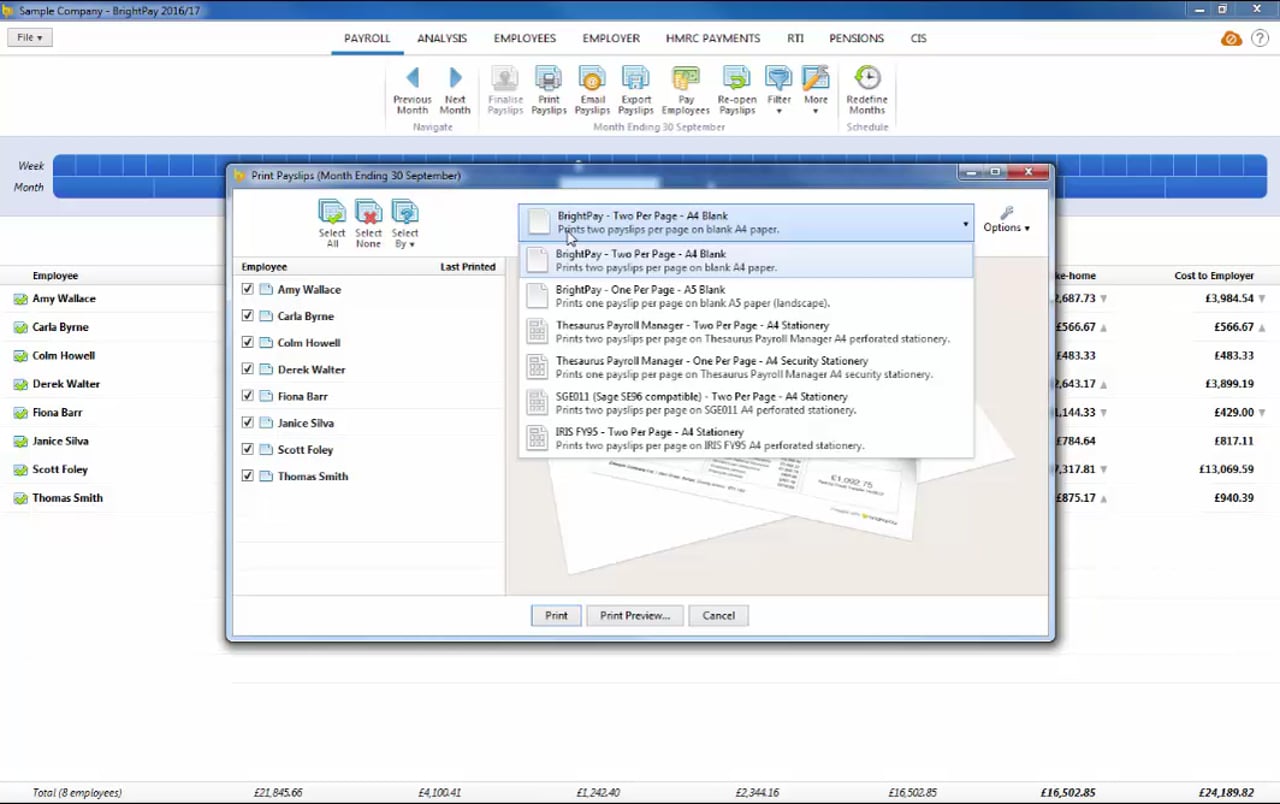
Payslips
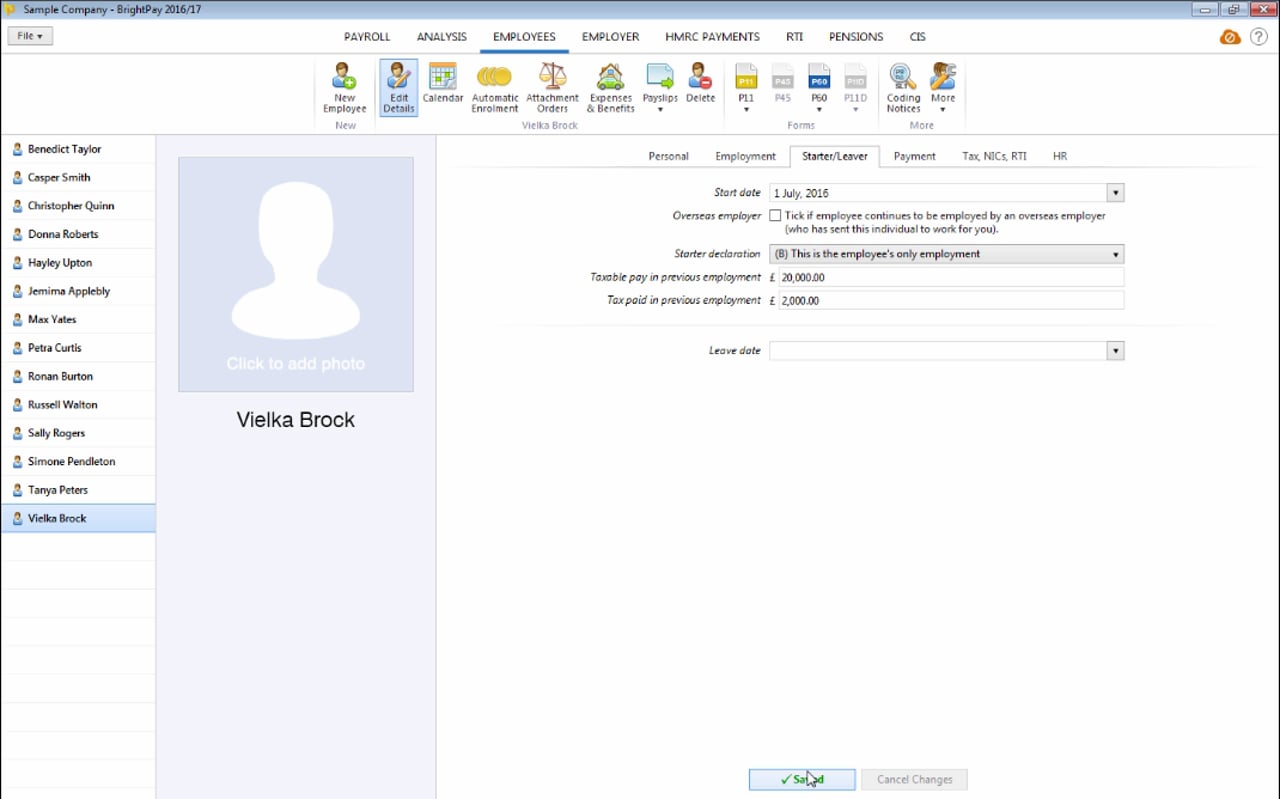
Starters and Leavers
Statutory Payments
Shared Parental Pay (ShPP) Birth
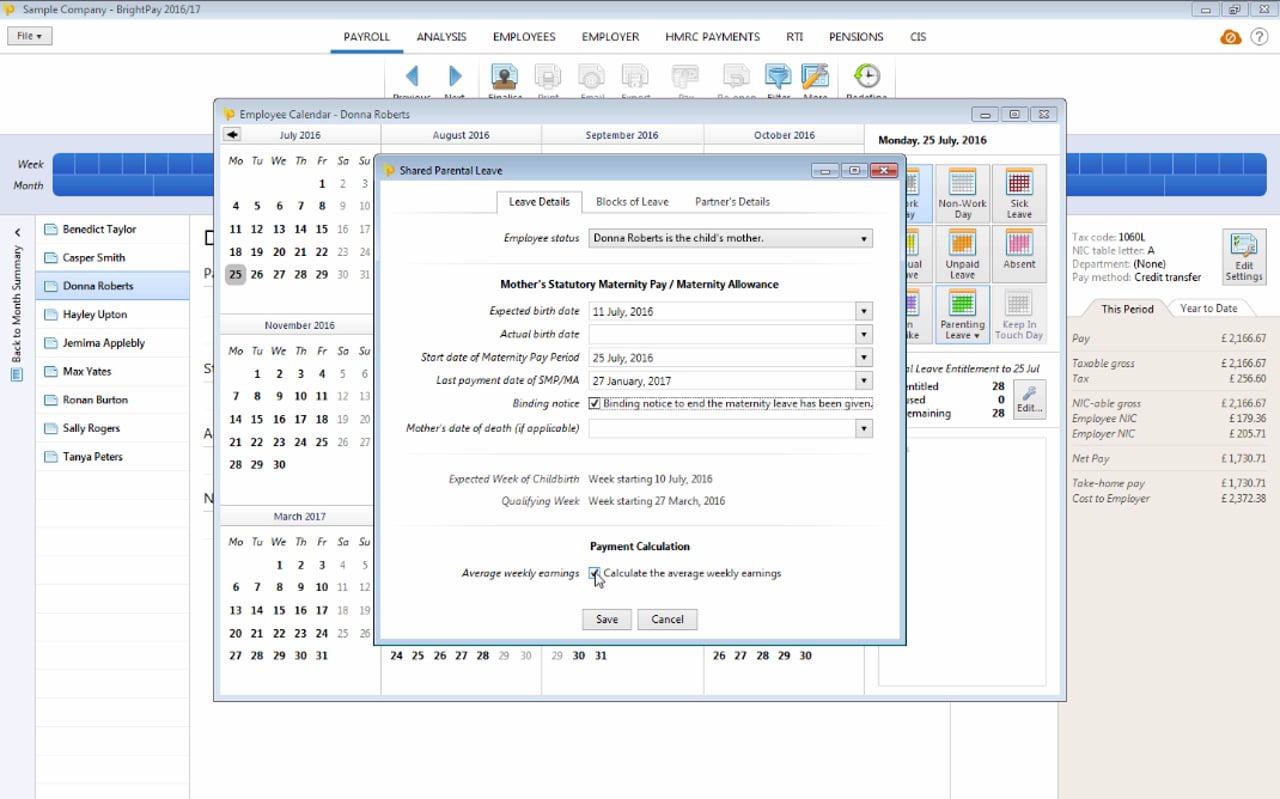
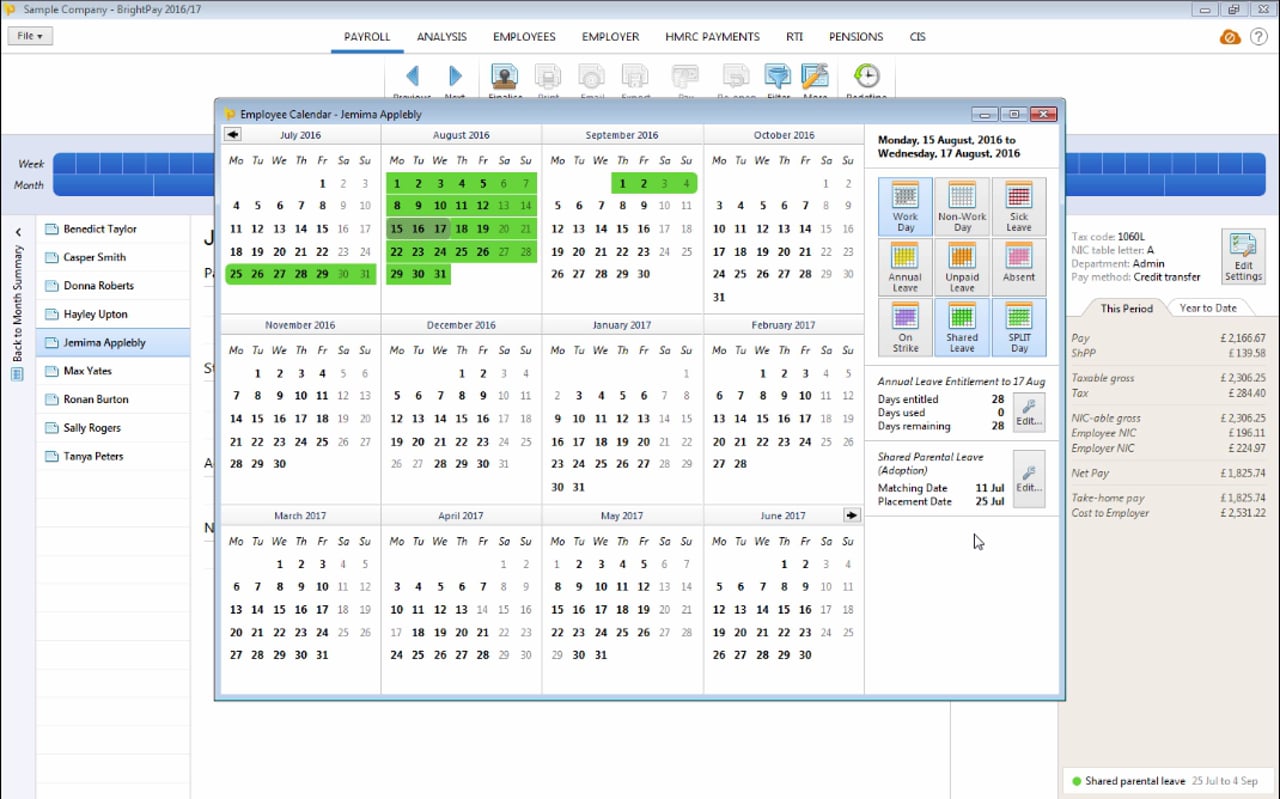
Shared Parental Pay (ShPP) Adoption
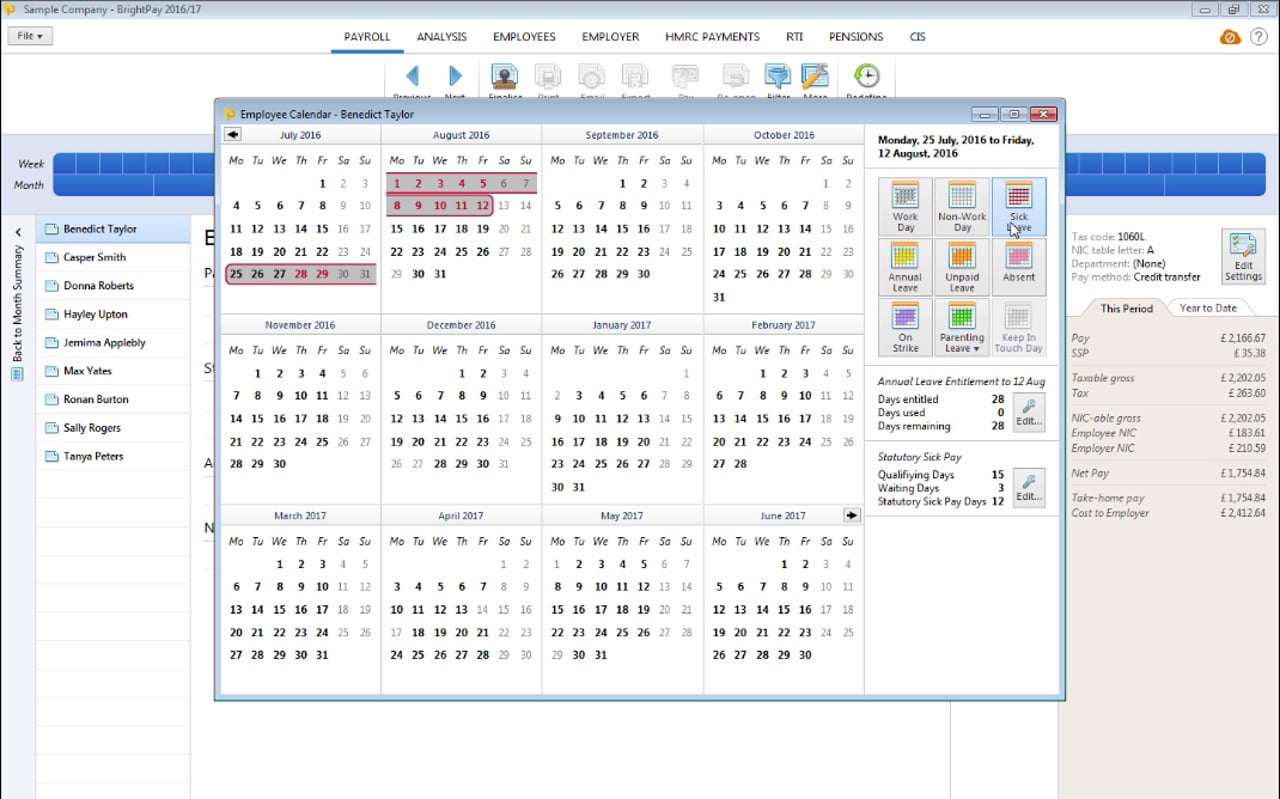
Statutory Sick Pay
Statutory Maternity Pay
Statutory Adoption Pay
Ordinary Statutory Paternity Pay (Birth)
Ordinary Statutory Paternity Pay (Adoption)
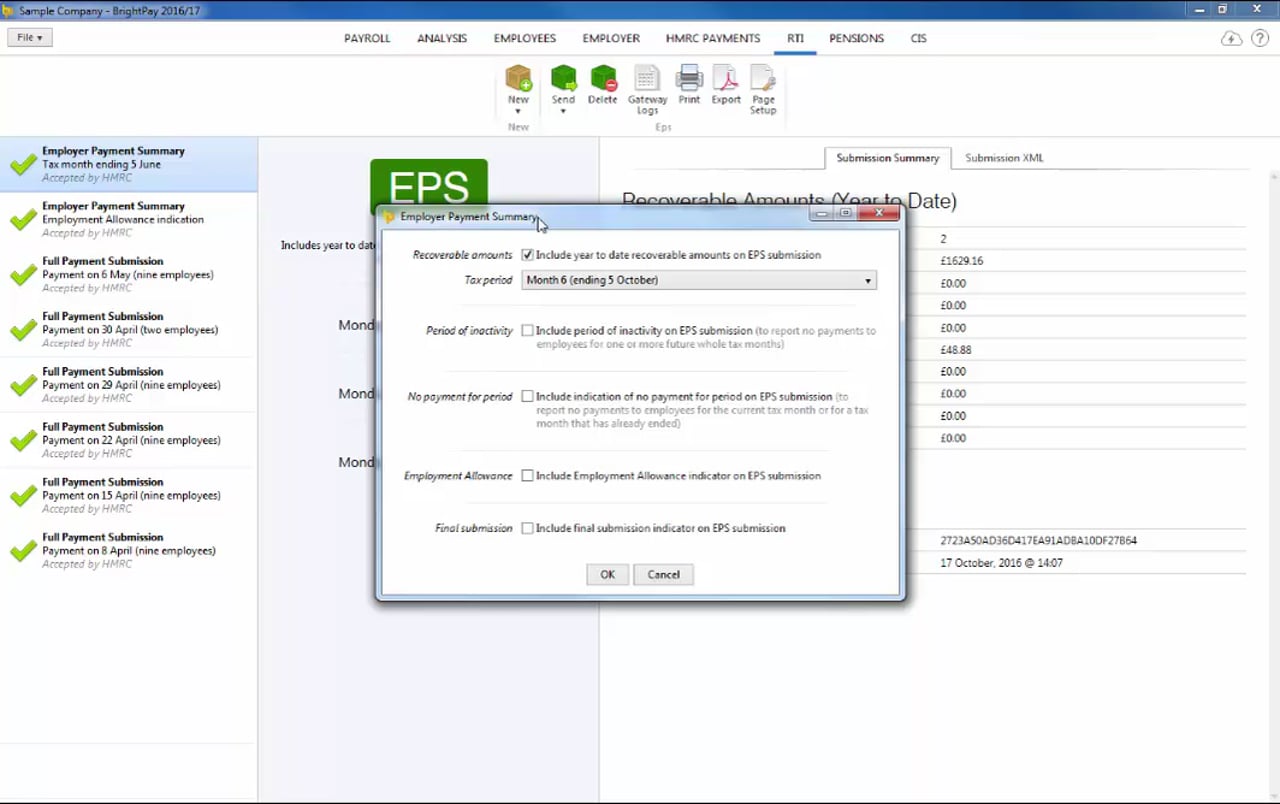
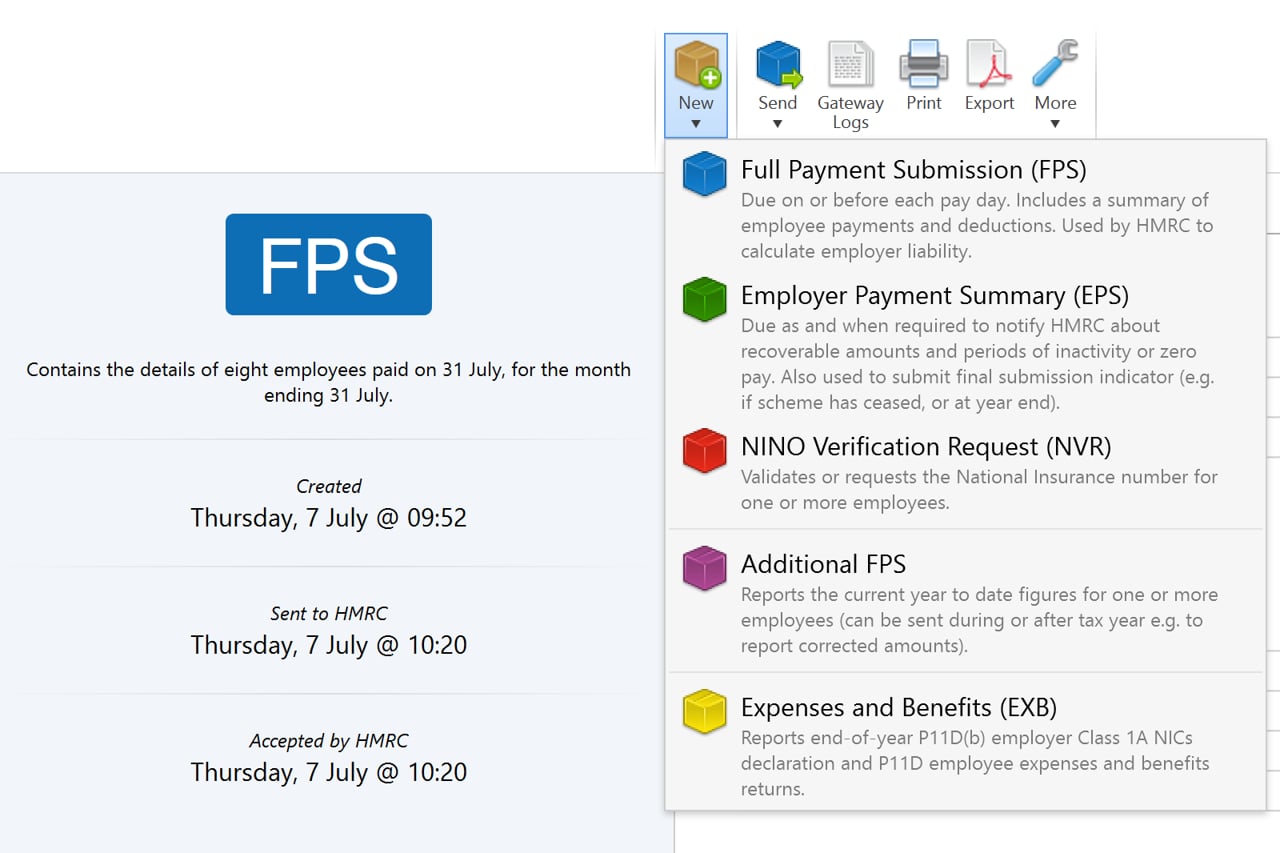
HMRC
Payroll Journals
AccountsIQ – API
ClearBooks – API
Exact Accounting – CSV File
FreeAgent – API
FreshBooks – API
Generic Payroll Journal Integration
KashFlow – API
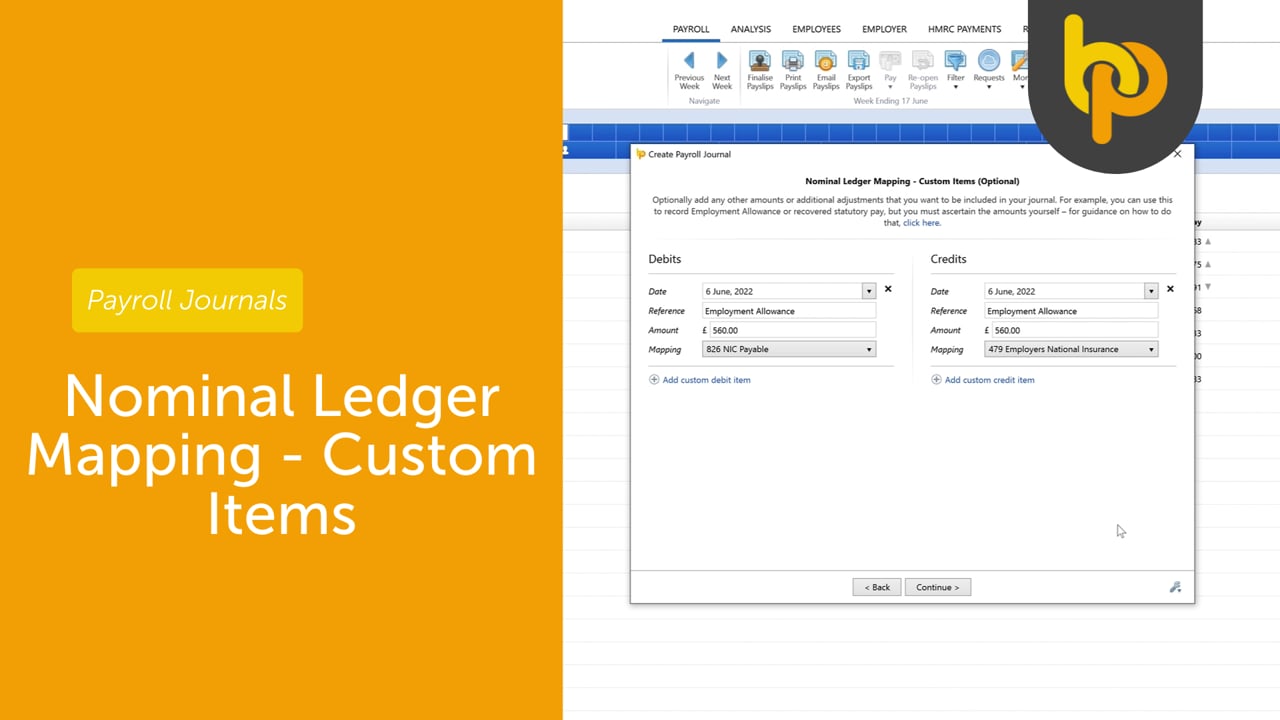
Nominal Ledger Mapping – Custom Items
QuickBooks Online – API
QuickFile – API
Sage Business Cloud Accounting – API
Twinfield – API
Xero – API
Zoho Books – API
Automatic Enrolment – API Integration
Automatic Enrolment Features
Employee Assessment
Enrolling Employees
Postponement
Opt Outs & Refunds
AE Reporting
Ongoing Monitoring
Auto Enrolment – The Movie!
BrightPay Connect
CIS (Construction Industry Scheme)
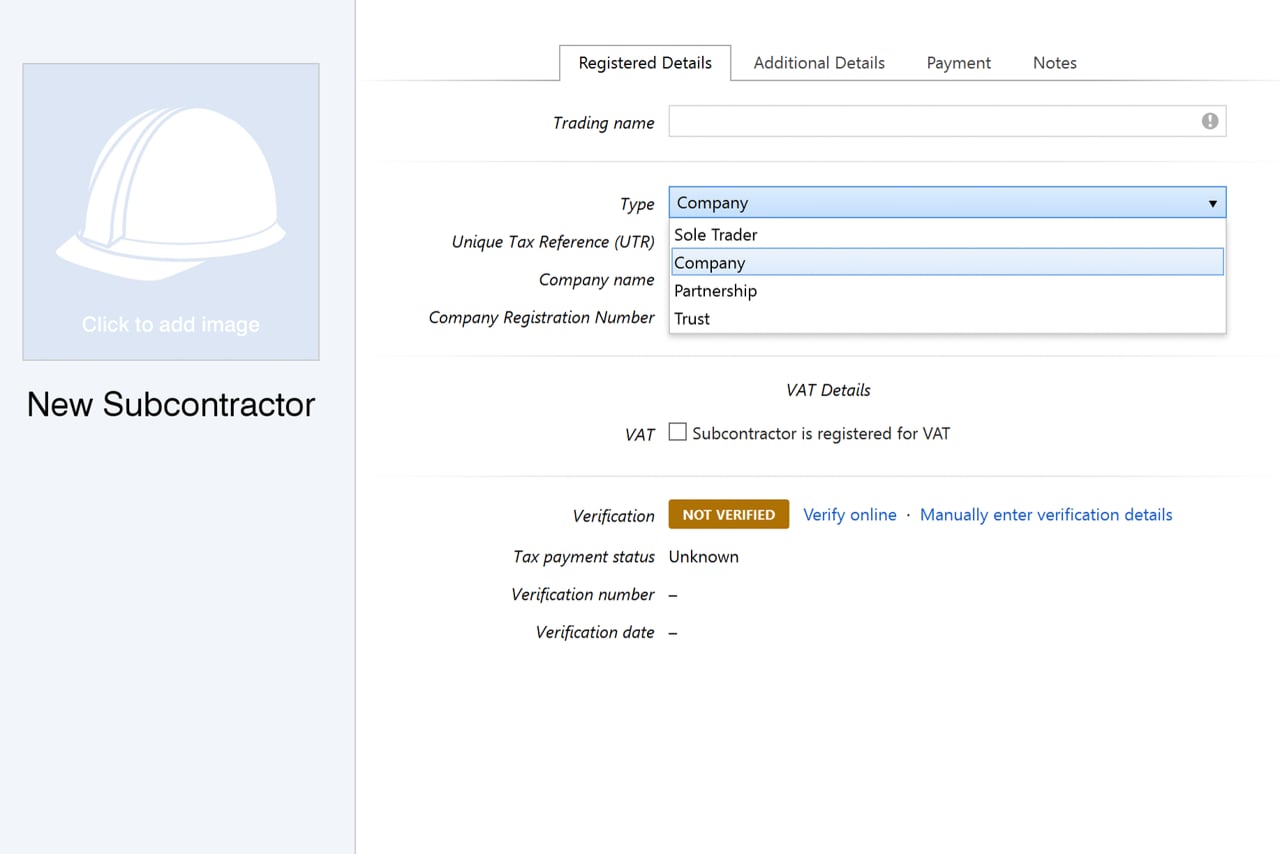
CIS – Entering Contractor and Subcontractor Details
CIS – Processing Subcontractor Details
CIS Submissions to HMRC